
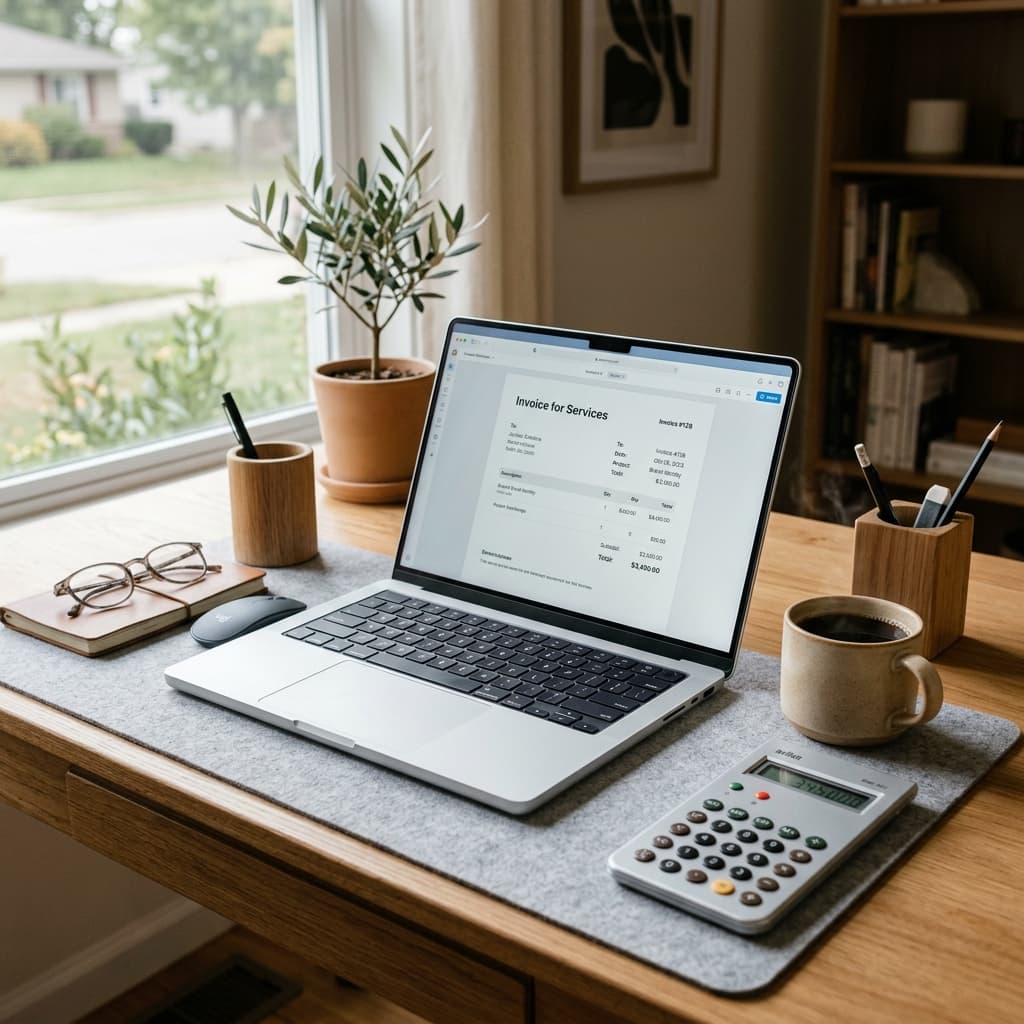

When you finish a major freelance project, the last thing you want to do is fight with a clunky spreadsheet or a poorly formatted Word document just to get paid. Billing should be a frictionless process. If your invoice looks unprofessional, lacks crucial payment details, or uses overly casual language, it subtly signals to the client that you are an amateur—which often leads to delayed payments and awkward follow-up emails.
Using a free AI invoice generator changes this dynamic entirely. Instead of manually calculating totals, guessing at the right phrasing for payment terms, or stressing over how to outline a complex project's deliverables, AI can instantly structure a polished, ironclad invoice. This guide covers exactly what a clean freelance invoice must include, how to structure your line items, and the specific, professional language you need to enforce payment deadlines without sounding aggressive.
What a Clean Freelance Invoice Must Include
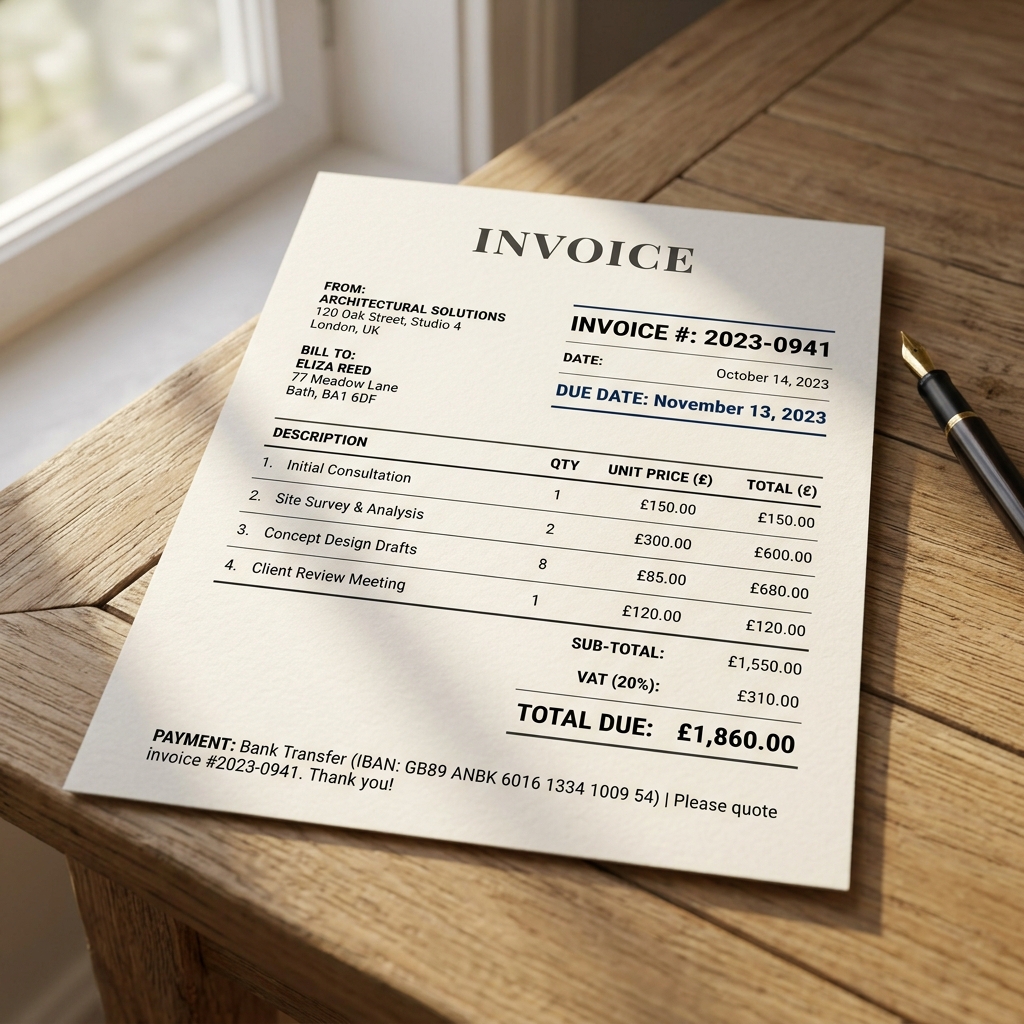
Before relying on AI to generate your document, you need to understand the anatomy of a perfect invoice. A client's accounting department will reject or delay an invoice if it is missing mandatory information. Every invoice you send must include these seven non-negotiable elements:
- A Unique Invoice Number: Never send "Invoice_Final.pdf". Always use a sequential numbering system (e.g., INV-2024-041) so both you and the client can track it.
- Your Complete Business Details: Your legal name or LLC, your mailing address, your email, and your tax ID (if required by your jurisdiction).
- The Client's Complete Details: The name of the point of contact, the company name, and their billing address.
- Issue Date and Due Date: Explicitly state when the invoice was generated and exactly when the payment is due (e.g., "Due: Net 30 - October 15, 2024").
- Granular Line Items: Avoid vague descriptions like "Design Work." Detail exactly what was delivered, the quantity or hours, the rate, and the subtotal.
- Clear Payment Instructions: Tell the client exactly how to pay you. Include your bank routing/account numbers for ACH, a wire transfer SWIFT code, or a direct link to a payment portal.
- Payment Terms and Conditions: A brief statement at the bottom defining late fee penalties or copyright transfer conditions.
How AI Helps with Wording and Structure
The hardest part of invoicing isn't the math; it is the phrasing. Freelancers often struggle with how to describe abstract services (like consulting or strategy) in a way that makes sense to a corporate accounts payable department. This is where AI excels.
When using an AI invoice generator, you can input a messy, casual description of what you did, and the AI will translate it into professional billing language. For example, if you tell the AI: "I fixed the bugs on the checkout page and spent an hour on a call with the marketing team," the AI will structure the line items as:
- E-commerce Debugging (3.5 hours): Conducted code review, identified critical checkout flow errors, and deployed patches to resolve cart abandonment issues.
- Technical Consultation (1.0 hour): Strategy alignment call with marketing stakeholders regarding checkout analytics and conversion optimization.
This level of detail eliminates client confusion. When the client sees exactly what value was delivered, they authorize the payment faster.
Examples for Hourly and Project-Based Billing
Your billing model drastically changes how your invoice should be structured. Here is how to format line items depending on how you charge your clients.
Hourly Billing Example (Web Development)
When billing hourly, transparency is your best defense against a client questioning your time. Break down the specific tasks rather than grouping everything into one massive "Development" block.
- Task: Frontend UI Implementation (React/Tailwind)
- Hours: 12.5
- Rate: $85/hr
- Total: $1,062.50
Project-Based Billing Example (Copywriting)
For fixed-fee projects, clients are paying for the deliverable, not your time. Focus the invoice on the completed milestones.
- Deliverable: Q3 Email Marketing Sequence (5 Emails)
- Description: Strategy, copywriting, and A/B test variations for the Fall product launch campaign. Includes two rounds of revisions.
- Rate: $1,500.00 (Flat Fee)
- Total: $1,500.00
Late Payment Language That Sounds Professional
Chasing unpaid invoices is the worst part of being an independent contractor. To protect yourself, you must establish late payment terms directly on the original invoice. Do not wait until the invoice is overdue to introduce penalties.
Using AI, you can generate clear, legally sound, yet polite late payment clauses. A standard, highly effective clause to include in the footer of your invoice is:
"Payment is due within 15 days of the issue date (Net 15). A late fee of 1.5% per month will be applied to all overdue balances. Copyright and usage rights for all deliverables remain with [Your Name] until this invoice is paid in full."
The final sentence—tying copyright transfer to final payment—is the ultimate leverage for creative freelancers (designers, writers, developers). If a client is using your work without paying for it, they are committing copyright infringement.
How to Keep the Design Simple and Readable
There is a temptation among creative freelancers to design overly artistic invoices featuring complex layouts, massive colorful logos, or strange fonts. Do not do this.
An invoice is a financial document. It will likely be processed by an exhausted accountant or parsed by automated Optical Character Recognition (OCR) software. If the software cannot read your artsy font, your payment will be delayed.
Use a clean, single-column layout. Stick to standard, highly legible fonts like Inter, Helvetica, or Roboto. Use plenty of white space. Bold the total amount due and the due date so they are impossible to miss. Your logo should be small and unobtrusive at the top left or top right corner. The goal is clarity, not creativity.
Quick Export and Sending Checklist
Before you hit send on your newly generated AI invoice, run through this final pre-flight checklist to ensure a seamless transaction:
- Export as PDF: Never send an editable Word document or Excel file. Always export and attach your invoice as a flat PDF so the formatting cannot break and the numbers cannot be altered.
- Name the File Correctly: Label the PDF clearly. A great format is
Invoice_[InvoiceNumber]_[YourName]_[ClientName].pdf. - Attach Necessary Context: If you are billing hourly, attach your time-tracking report as a second page to the PDF. If you are billing for a milestone, link to the delivered assets in the email body.
- Email the Right Person: Do not just email your main point of contact if they aren't the one paying you. Ask them, "Should I CC your accounting department when I send the invoice?"
By standardizing your billing process with an AI generator, you eliminate errors, project maximum professionalism, and drastically reduce the time it takes to get money into your bank account. Use one layout every time so your billing looks consistent and recognizable to your repeat clients.
If you are re-evaluating your independent business structure, be sure to review our guide on [LINK: freelance pricing] strategies, steal our highly converting [LINK: proposal template], and explore our full suite of [LINK: business tools pages] designed to help contractors scale efficiently.