
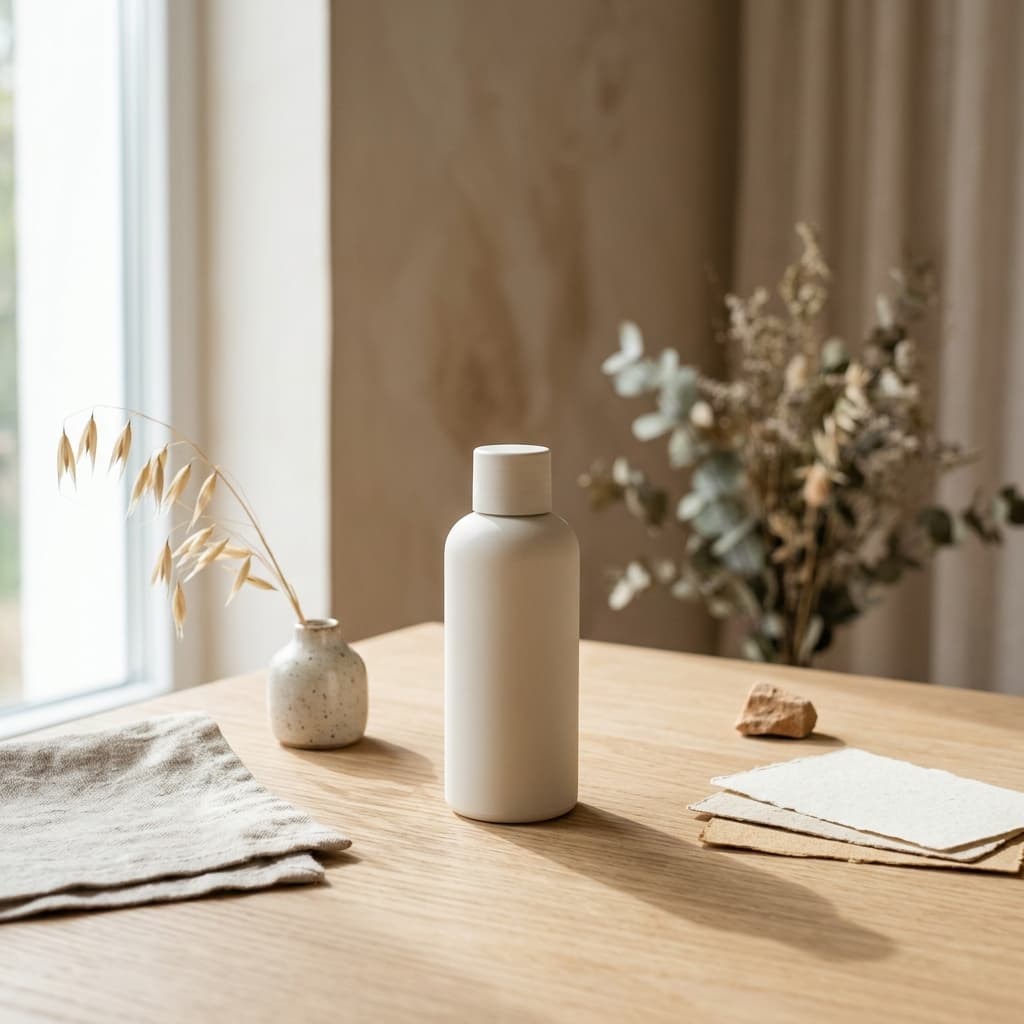

Selling on Etsy is fundamentally a visual competition. Before a customer reads your shipping policy, checks your reviews, or even looks at the price, they evaluate your product photo. If your listing image looks like a flat graphic pasted onto a bright white background, you lose the click. To win, Etsy sellers need clean, lifestyle product visuals that look like they were shot in a professional photography studio.
Historically, achieving this meant buying expensive camera gear, renting studio space, and spending hours editing in Photoshop. Alternatively, you could buy pre-made PSD mockups, but eventually, every seller in your niche ends up using the exact same living room background for their wall art. The solution to this saturation is generating your own unique environments.
Finding the best AI image generator for Etsy product mockups isn't about generating the product itself; it is about generating the perfect, realistic environment to place your existing design into. This guide breaks down the exact prompt structures, workflows, and tools required to build custom mockup scenes for printables, apparel, mugs, and packaging, ensuring your listings look premium without looking fake.
What Makes a Mockup Usable for Etsy?
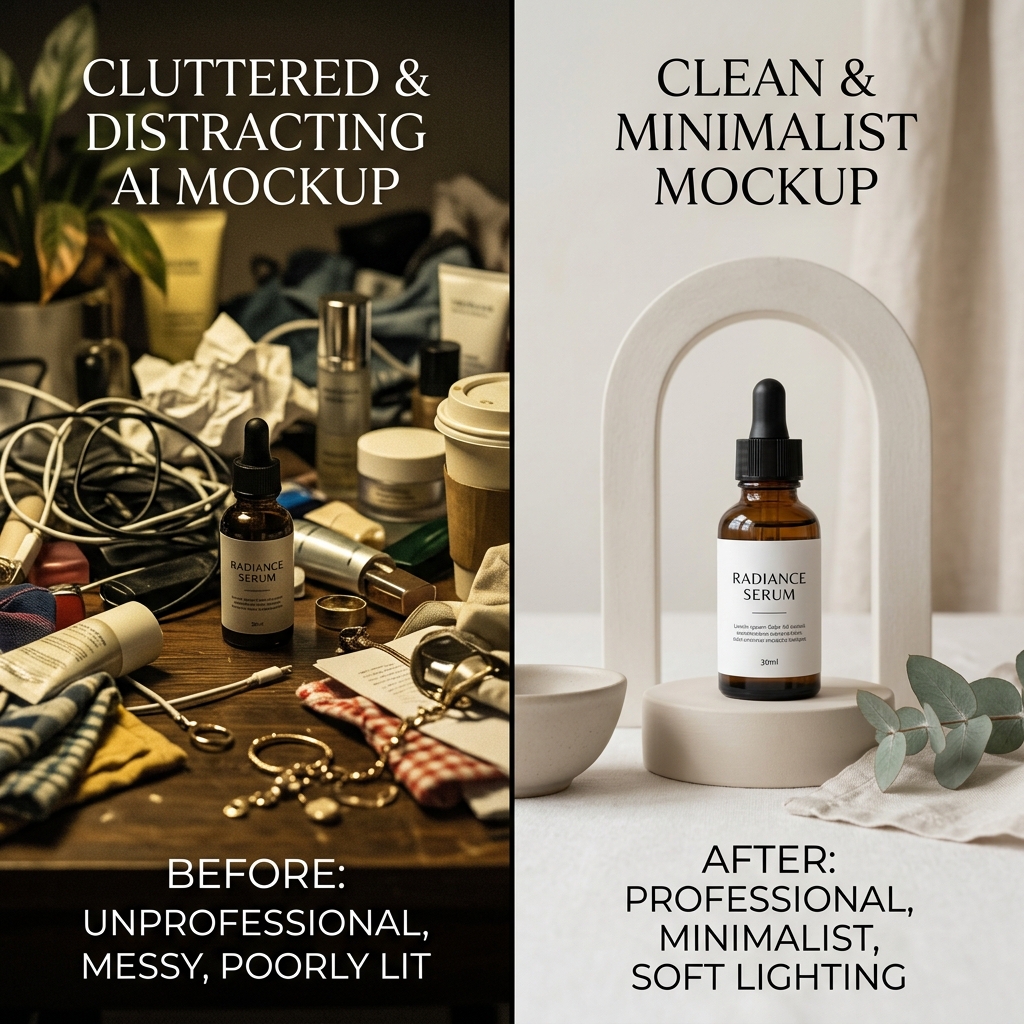
Not all AI-generated images work as product mockups. An AI might generate a stunning, cinematic living room, but if the lighting is impossible or the perspective is skewed, your flat design won't map onto it correctly. A usable Etsy mockup requires three core elements:
- Neutral Lighting: Harsh shadows or highly stylized neon lighting makes it incredibly difficult to blend a flat PNG graphic onto the generated surface. You need soft, diffused daylight.
- Geometric Accuracy: If you are generating a blank mug or a blank picture frame, the lines must be perfectly straight. AI has a tendency to warp edges, which ruins the illusion as soon as you try to warp your design to fit.
- Negative Space: The product must be the hero. A generated scene with too many background props (plants, coffee cups, books) distracts the buyer's eye away from the item you are actually selling.
The Best Prompt Structure for Product Scenes
When generating mockup backgrounds in tools like Midjourney, DALL-E 3, or specialized AI product generators, your prompt needs to be highly structured. You are acting as an art director, not just an artist. The most effective prompt structure follows this sequence: Subject + Environment + Lighting + Camera Angle + Aesthetic.
Do not use vague prompts like "a nice room with a frame." You will get unpredictable results. Instead, get granular with the physical properties of the scene.
The Formula in Action:
- Subject: "A blank 8x10 vertical wooden picture frame resting on a surface..."
- Environment: "...on a smooth white marble countertop next to a single eucalyptus branch..."
- Lighting: "...illuminated by soft morning window light from the left, casting subtle, realistic shadows..."
- Camera Angle: "...shot straight-on at eye level..."
- Aesthetic: "...minimalist Scandinavian interior design, photorealistic, 85mm lens, 4k resolution."
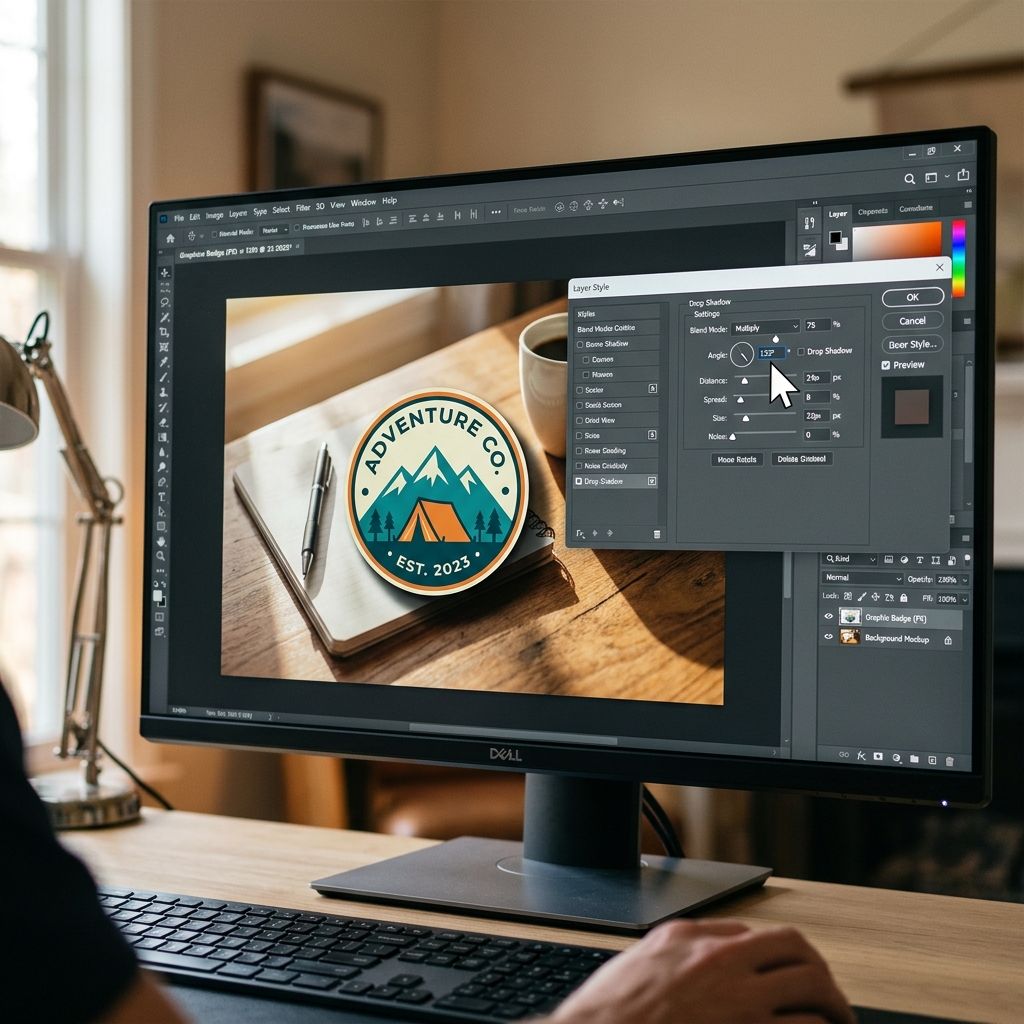
By defining the lighting direction (e.g., "from the left"), you know exactly how to add drop shadows to your product graphic later in Photoshop or Canva so the lighting matches.
Examples for Printables, Apparel, and Mugs
Different Etsy niches require entirely different mockup strategies. Here is how to approach the three most common categories.
1. Wall Art and Printables
Wall art requires perfectly flat surfaces. The biggest issue with AI-generated frames is that the aspect ratio often doesn't match standard printing sizes (like 4:5 or 2:3), or the frame edges are slightly warped.
Pro-tip: Do not ask the AI to generate the frame. Instead, ask the AI to generate the interior wall scene, and then overlay a digitally perfect frame from Canva or Photoshop onto the blank wall. This guarantees your aspect ratio is correct and the lines are perfectly straight.
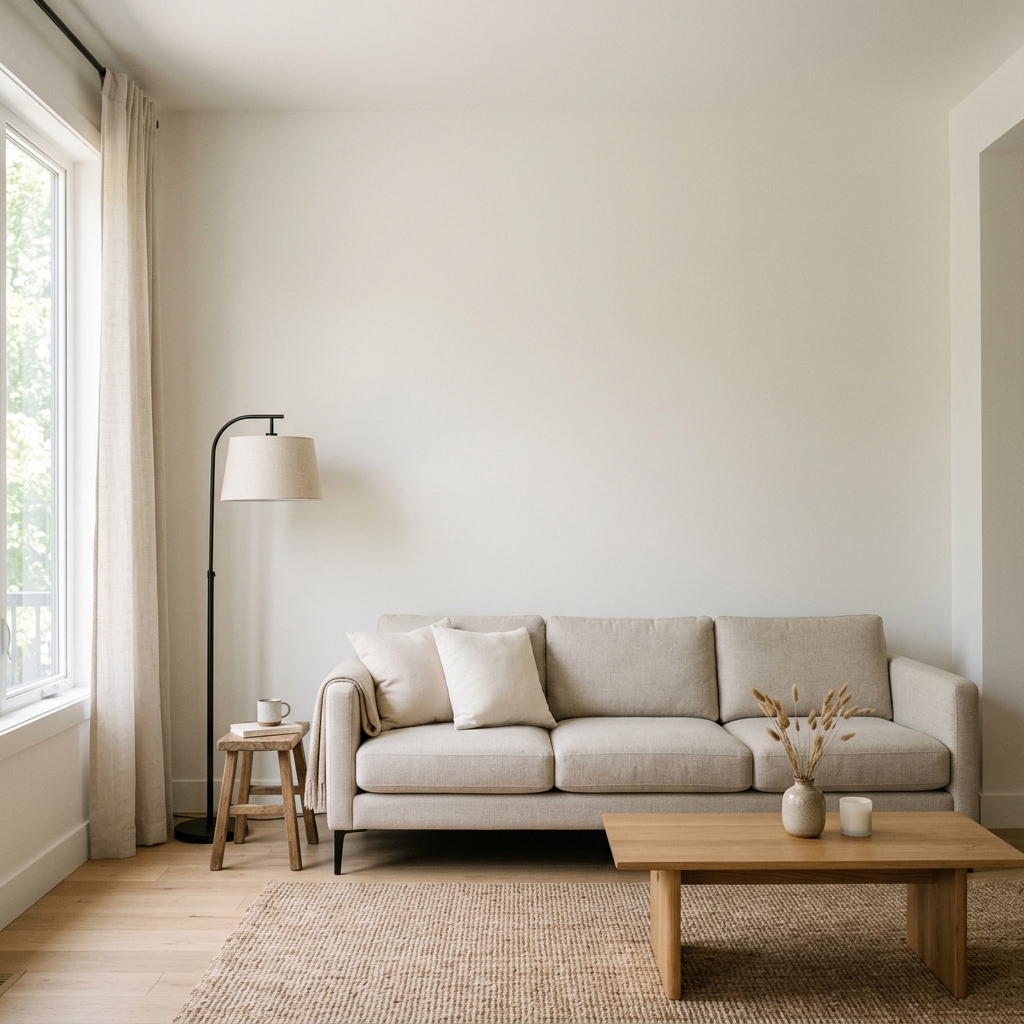
Prompt: "A blank, smooth plaster wall in a minimalist living room. A modern beige sofa sits below the blank wall space. Soft, diffused daylight streaming from a window out of frame. Photorealistic interior photography, architectural digest style."
2. Apparel and T-Shirts
T-shirt mockups are the hardest to generate purely with AI because clothing folds and wrinkles alter the way a graphic should sit on the fabric. If you paste a perfectly flat graphic over a wrinkled AI-generated shirt, it instantly looks fake to buyers.
For apparel, use AI to generate flat-lay environments rather than models wearing the clothing. Flat-lays have fewer wrinkles, making it significantly easier to place your SVG or PNG file.
Prompt: "A blank, plain white heavy cotton t-shirt laid perfectly flat on a light oak wooden table. Subtle natural creases. Soft overhead studio lighting. Shot from directly above (flat lay perspective). Clean, e-commerce aesthetic."
3. Mugs and Cylindrical Objects
Generating blank mugs is relatively easy, but mapping your design onto a curved surface requires software like Photoshop (using the Warp tool). When generating mug mockups, ensure the background isn't too busy, and specify the exact material of the mug.
Prompt: "A blank, smooth white ceramic 11oz coffee mug sitting on a concrete countertop. A blurred window in the background. Soft morning light reflecting slightly off the ceramic curve. Photorealistic, shallow depth of field."

How to Keep the Product Accurate and Clean
The primary goal of a mockup is to accurately represent what the customer will receive in the mail. If your mockup misrepresents the scale, texture, or color of the physical item, you will get negative reviews and returns.
If you sell a 5x7 inch greeting card, do not paste your design onto an AI-generated canvas that looks like it spans three feet across a wall. Buyers are incredibly literal. They will expect the massive product shown in the photo. Always ensure the scale of the props in your generated scene (like pens, keyboards, or plants) accurately reflects the physical size of your product.
Furthermore, use the blending options in your editing software to match the lighting of the AI scene. If your AI background has warm, orange morning light, you must color-correct your digital graphic slightly warm so it doesn't look like a glowing sticker floating on top of the image.
What to Avoid So the Listing Does Not Look Fake
Etsy buyers are highly attuned to authenticity. While they tolerate mockups, they actively avoid listings that look cheap or mass-produced. Here are the immediate giveaways that an AI mockup was used poorly:
- Floating Objects: If your design has no drop shadow, or the shadow goes in the opposite direction of the light source in the background, the human brain instantly registers the image as "fake."
- Impossible Textures: If you sell matte poster paper, but the AI generates a high-gloss, reflective frame, the mismatch creates distrust.
- AI Hallucinations in the Background: Always inspect the background of your generated images. Sometimes an AI will generate a coffee cup with two handles or a plant with melting leaves. Crop these out or use an inpainting tool to remove them.
Quick Workflow for Batch Image Creation
If you manage an Etsy shop with hundreds of listings, you cannot spend an hour generating a unique scene for every single product. You need a batch workflow.
First, spend one afternoon generating 10 to 15 perfect, blank "master" scenes using your AI tool of choice. Ensure these scenes cover different aesthetics (e.g., minimalist, bohemian, industrial) but share the same lighting setup.
Second, bring these master scenes into a template-driven tool like Canva or Figma. Set up your "smart frames" or image placeholders perfectly aligned with the blank surfaces in your AI backgrounds.
Finally, whenever you launch a new product, you simply drag and drop your transparent PNG design into your pre-set templates. You now have 15 unique, high-quality listing photos generated in seconds, giving your shop a cohesive, premium brand identity without repetitive work.
By mastering AI environment generation, you keep your overhead costs at zero while drastically increasing your click-through rates. Remember, the mockup should simply be a quiet stage; your product must always remain the hero.
For more insights on streamlining your digital business, check out our [LINK: design tools] directory, try our [LINK: no-login AI image generator] for quick background edits, and review our complete guide on [LINK: listing tips].