
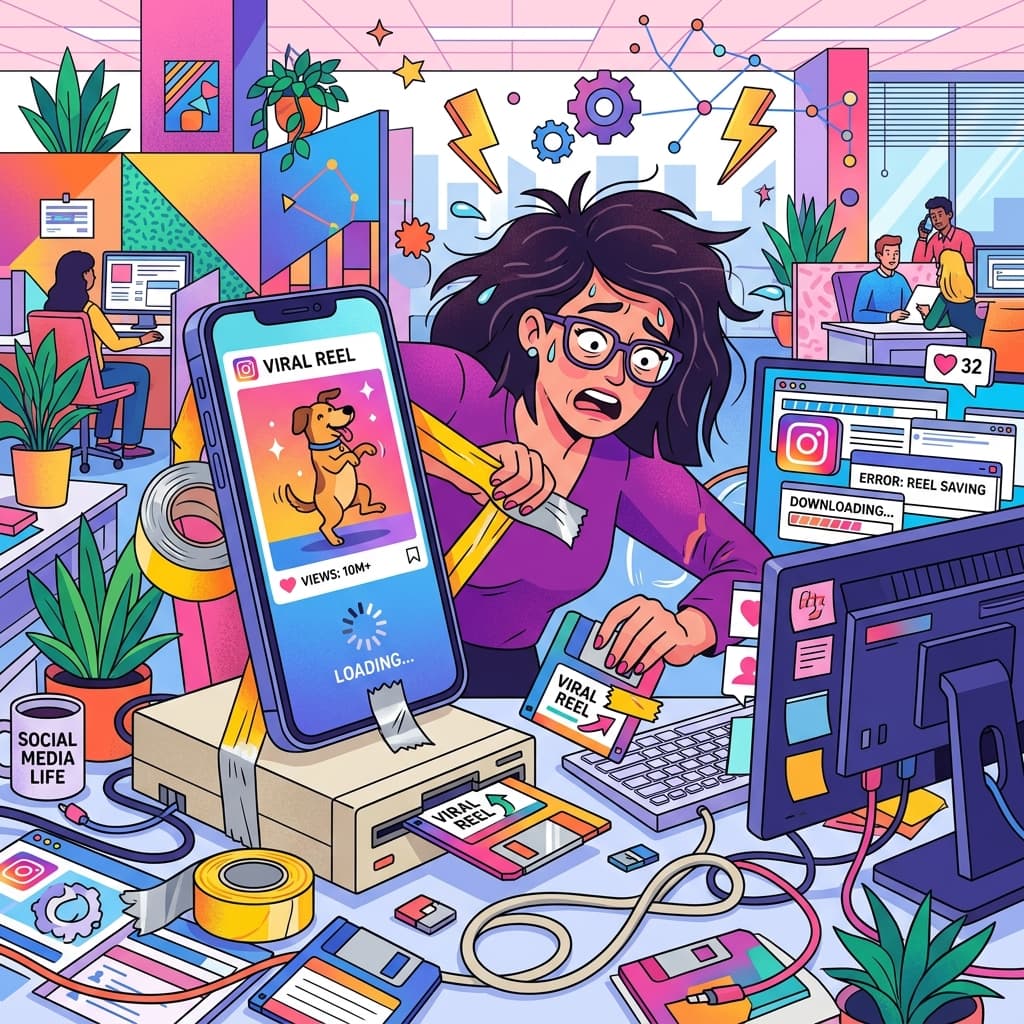

Let's be brutally honest for a second. We've all been there. You're scrolling through Instagram at 2 AM, and you see the most perfectly chaotic, hyper-specific meme or a cooking tutorial you will absolutely never attempt. You think, "I must send this to the group chat immediately, but half of them don't have Instagram."
So what do you do? You hit save, fully knowing the Instagram algorithm is going to swallow that video into the void, never to be seen again. Or worse, you decide to screen record it. Stop. Please stop doing that.
The "Just Screen Record It" Fallacy
Screen recording is the digital equivalent of taking a photo of a printed email. It's tragic. First of all, the quality takes an absolute nosedive. Second, you always accidentally record the iOS volume popup right in the middle of the best part. And third? You now have to spend three minutes in your Photos app aggressively trimming the edges so people don't see that your battery is at 4%.
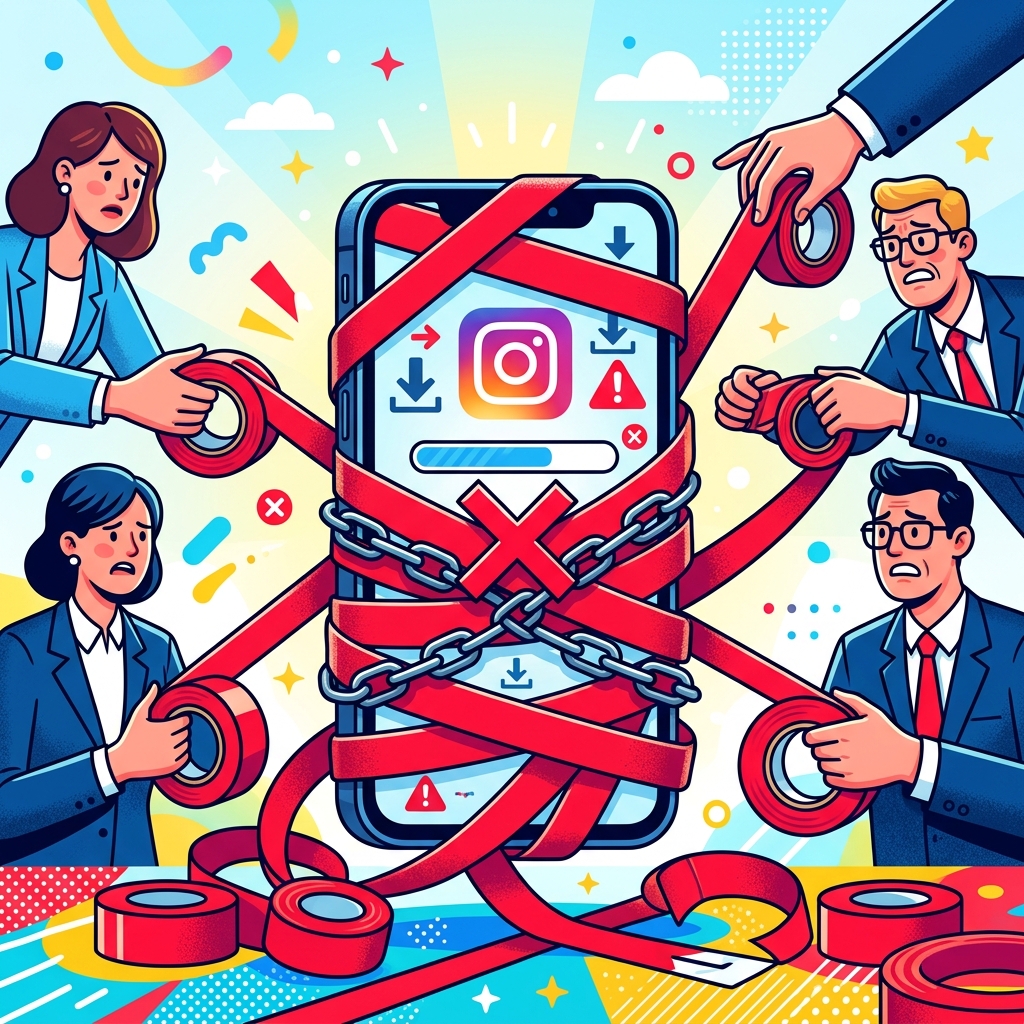
You don't need this kind of stress in your life. You need a proper, dedicated Insta Reel Saver. No red tape. No quality loss. No battery-level shame.
Enter the Insta Reel Saver (Your New Best Friend)
This is where INCLAW's Insta Reel Saver swoops in to save the day (and your sanity). We built this tool because downloading a video from the internet should not require a computer science degree or downloading a sketchy app called "ReelzGrabber Pro 2026" that drains your battery and asks for your social security number.
The Golden Rules of Our Saver:
- No Login Required: We don't want your password. We don't want to know your childhood pet's name. We just want to give you the video.
- No Watermarks: Keep it clean, keep it crisp.
- 100% Free: Keep your credit card in your wallet.
How to Download Reels in 3 Painless Steps
It's so easy you could do it before your morning coffee actually hits your bloodstream. Here is the exact, high-level, extremely complex technical formula:
- Copy the Link: Tap the little paper airplane (share icon) on the public Instagram Reel and hit "Copy Link".
- Paste the Link: Head over to the Insta Reel Saver tool and drop that link into the box.
- Download: Click fetch, preview the video to make sure it's the right one, and smash that download button.

That's it. You now have a pristine, high-quality MP4 sitting safely on your device. You can share it, back it up, or use it for your own reference. You are a digital god.
But What About Private Reels?
Look, I'm going to shoot you straight. If an account is private, it's private. Our tool is built for public reels. We cannot bypass Instagram's privacy settings to fetch a video from your ex's private finsta account. If they locked it down, you're out of luck. Respect the boundaries, my friends.
Go Forth and Download
Stop settling for blurry screen recordings. Take back your camera roll, save the memes that matter, and back up your favorite creator content the right way. Give the Insta Reel Saver a spin today. It's fast, it's free, and it actually works.