

Instagram Ban Fixer: How to Recover a Suspended or Disabled Account in 2026
Getting locked out of Instagram can feel frustrating, confusing, and honestly a little personal. One day your account is fine, and the next you are seeing a warning, a login block, or a message that says your account has been suspended or disabled. For creators, business owners, and everyday users, that can be a big problem because Instagram is often more than just an app. It can hold your followers, messages, content, memories, and even customer leads.
That is exactly why people search for Instagram Ban Fixer. They are not always looking for a magical tool. Most of the time, they just want a clear, practical way to understand what happened and what they can do next.
This guide will walk you through the real reasons Instagram accounts get banned, the difference between temporary and permanent restrictions, and the best official steps to recover your account. No hype, no fake promises, and no shady “unban services” that usually make things worse.
What Does “Instagram Ban Fixer” Really Mean?
The phrase “Instagram Ban Fixer” sounds like a tool, but in reality it usually means one of three things:
a recovery guide for suspended or disabled accounts
a checklist to help you understand the reason for the ban
the official appeal process to request a review
There is no guaranteed shortcut that can instantly restore every account. Instagram uses automated systems, policy reviews, and sometimes human moderation. That means recovery depends on the reason for the restriction and how serious it is.
The good news is this: many accounts are not permanently banned. A lot of users are dealing with temporary action blocks, login verification issues, or reviewable suspensions. In those cases, the right steps can help a lot.
Why Instagram Bans Accounts
Instagram does not ban accounts for no reason. Most enforcement actions happen because the platform thinks an account has broken its rules, triggered spam behavior, or looked suspicious.
Some common reasons include:
mass following and unfollowing too quickly
using bots or automation tools
sending too many direct messages in a short time
posting spammy comments repeatedly
using fake engagement services
violating copyright or community guidelines
repeated reports from other users
suspicious login activity from different devices or locations
impersonation or false identity signals
sharing harmful, inappropriate, or prohibited content
Sometimes the system gets it wrong. That happens too. If your account was flagged by mistake, the recovery process is still the same: stay calm, check the message carefully, and use the official appeal channels.
Types of Instagram Bans and Restrictions
Before you try to fix the problem, you need to understand what kind of restriction you are dealing with. People often call everything a “ban,” but Instagram has several different types of enforcement.
1. Temporary Action Block
This usually happens when Instagram thinks you are doing too much too fast. For example, liking too many posts, following too many people, commenting rapidly, or sending too many requests.
A temporary block may last a few hours, a day, or sometimes longer. It is usually not permanent.
2. Login Challenge or Verification Block
Sometimes Instagram wants to confirm that you are the real account owner. You may be asked to verify a phone number, email address, or identity.
This is not always a ban. It is often a security checkpoint.
3. Suspended Account
A suspended account usually means Instagram has limited or paused access because of a policy concern. The platform may ask you to appeal or verify your identity.
4. Disabled Account
This is more serious. If your account is disabled, Instagram believes the account violated rules strongly enough to remove or restrict access.
5. Permanent Ban
A permanent ban is the hardest case. In some situations, Instagram may decide the account cannot be restored. Even then, it is still worth submitting a proper appeal if the platform gives you that option.
First Thing to Do After Your Account Gets Banned
Do not rush. Do not start spamming forms. Do not create ten new accounts to replace the old one. That can make the problem worse.
Instead, do this:
Check the exact message Instagram shows. Read it carefully. Sometimes the wording tells you whether the account is temporarily blocked, under review, or disabled.
Then look for any option that says:
Appeal
Learn more
Request review
Verify identity
Confirm it was you
Try again later
The exact wording matters. Your next step depends on what Instagram is asking for.
Step-by-Step: How to Recover a Banned Instagram Account
Step 1: Try to Log In Normally
Open the Instagram app or website and attempt a normal login. If there is a prompt, follow it instead of jumping to outside tools.
If the app asks for a verification code, use the code sent to your email or phone.
Step 2: Check Your Email Inbox
Instagram often sends a message explaining what happened. Look in your main inbox, spam folder, and promotions tab.
The email may tell you whether:
your account is under review
you violated a rule
Instagram needs more verification
you can appeal the decision
Step 3: Use the Appeal Option
If Instagram offers an appeal button or request review link, use it. Keep your explanation short, respectful, and clear.
A good appeal message sounds like this:
“I believe my account was disabled by mistake. I am the rightful owner of this account and would like a review. I will follow Instagram’s rules going forward.”
Do not write angry messages. Do not blame the support team. Do not add unnecessary drama. The goal is to sound serious and trustworthy.
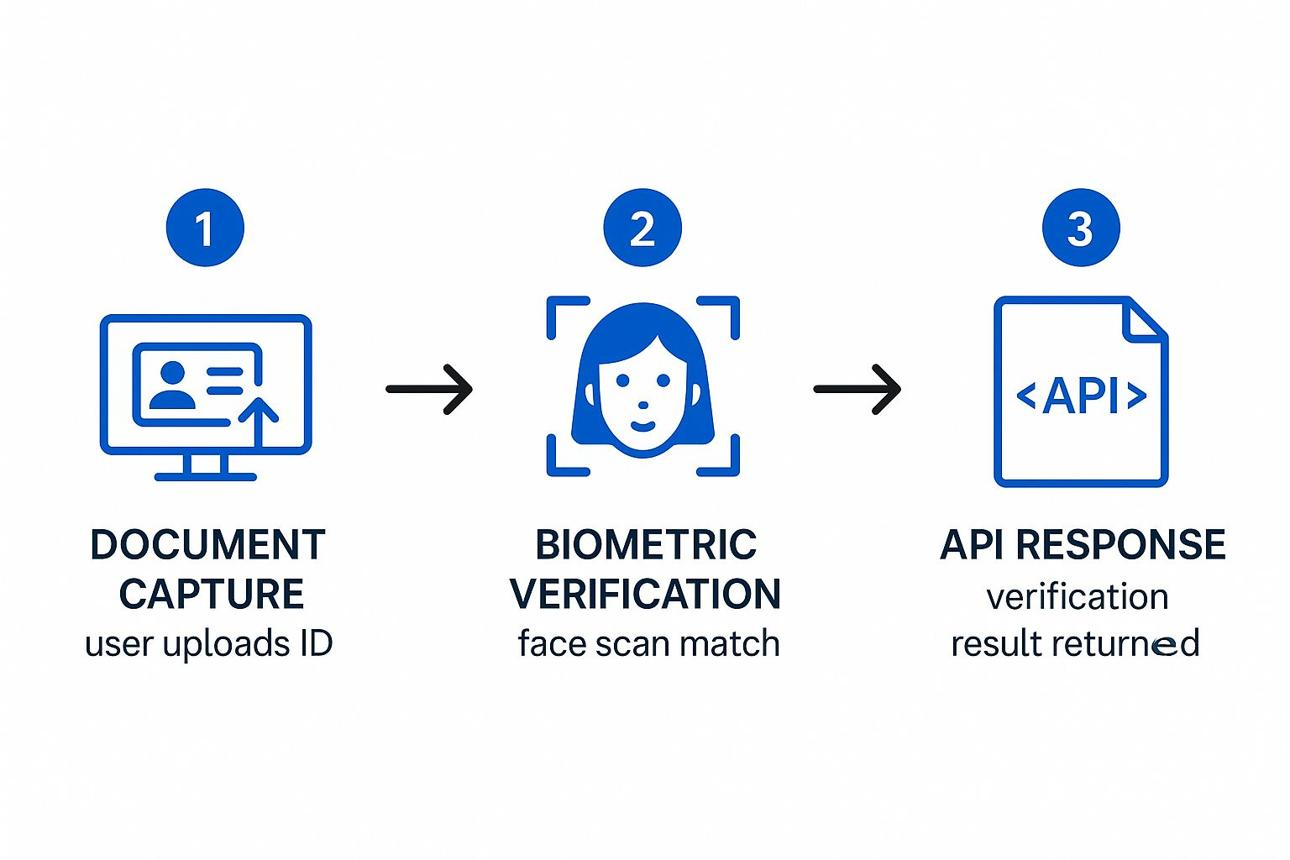
Step 4: Complete Identity Verification
If Instagram asks for a selfie video, ID, or other verification, submit accurate information only. Do not use edited photos or someone else’s identity.
Make sure the details you provide match the account information as closely as possible.
Step 5: Wait for the Review
This part is hard, because waiting feels like doing nothing. But after submitting an appeal, patience matters.
Do not keep changing passwords every few minutes. Do not submit the same appeal over and over in a short period. That can create more noise instead of helping.
Step 6: Check Your Other Devices
If your account was hacked or accessed from another device, secure your email first, then your Instagram account. Change passwords on both if necessary and remove suspicious sessions.
Step 7: Follow Up Only If Needed

If you do not get a response after a reasonable amount of time, you can try another official support path. But keep everything professional and simple.
What Makes an Appeal More Effective?
A good appeal is not about begging. It is about clarity.
Here is what helps:
state that you believe the action was a mistake
mention that you are the account owner
confirm that you understand Instagram rules
keep the tone calm and respectful
provide accurate identity information if requested
Here is what hurts your chances:
sending the same message repeatedly
using spammy language
admitting to policy violations if you did not do them
asking random people on Telegram or WhatsApp for “instant unban” services
paying unknown third parties who promise guaranteed recovery
There are plenty of fake recovery services online. Most are scams. Some steal your login data. Others just disappear after taking money.
How Long Does Instagram Recovery Take?
There is no fixed time. It depends on the case.
Some accounts are restored in a few hours or a few days. Others take longer. A few never come back, especially if the violation was severe.
A realistic timeline looks like this:
temporary action blocks: often hours to a couple of days
verification-related issues: sometimes a few days
suspended accounts: can take several days to a few weeks
disabled or permanent bans: recovery is uncertain
If the account is valuable to you, keep checking your email and account status periodically. Do not panic if there is no instant response.
Common Mistakes That Make Recovery Harder
A lot of people accidentally make things worse. Here are the biggest mistakes to avoid:
Using Bots or Automation Again
If your account got restricted because of automation, do not return to the same behavior after recovery. Instagram watches for patterns like mass follows, repeated likes, and automated DMs.
Sending Too Many Appeals
One clean appeal is better than ten noisy ones.
Changing Everything at Once
If you are trying to recover the account, do not suddenly change usernames, emails, phone numbers, and passwords all at the same time unless the platform asks you to.
Trusting “Recovery Gurus”
If someone claims they can unban any Instagram account for a fee, be careful. That is a huge red flag.
Creating Clone Accounts to Evade the Ban
If Instagram banned one account, creating copy accounts to bypass restrictions can cause more problems.
How to Prevent Future Instagram Bans
Once you recover your account, the real work begins. The goal is not just to get back in. The goal is to stay in.
Here are a few smart habits:
Use Instagram naturally. Do not act like a bot.
Avoid aggressive following, unfollowing, and mass messaging.
Do not buy followers, likes, or fake comments.
Turn on two-factor authentication.
Keep your email secure.
Post original content or content you have rights to use.
Read community guidelines if you run a business or creator account.
If you use third-party scheduling or analytics tools, make sure they are reputable and do not violate platform policies.
Is Shadowban the Same as a Ban?
No. A shadowban is not the same as a suspended or disabled account.
People use the word “shadowban” when their reach drops sharply or their content seems to stop showing up in searches and hashtags. Instagram does not always label this clearly, and sometimes the issue is actually content quality, account behavior, or algorithm changes rather than a formal ban.
If your account still works but performance suddenly drops, the fix is different:
check whether your content follows guidelines
remove suspicious hashtags or repetitive captions
post original content
review recent account behavior
wait and observe changes over time
A shadowban is more of a visibility problem. A disabled account is an access problem.
When Recovery Is Unlikely
Some accounts may not be restored, even after appeals. That can happen if:
the violation was severe
the account was repeatedly flagged
the account was used for impersonation or fraud
the account was involved in harmful content
Instagram’s review team confirms the decision
That is not always the ending you want, but it is better to know the truth than to waste time on fake promises.
If you are running a business, start protecting your account now. Keep backup contact details updated, use secure authentication, and avoid risky shortcuts that could trigger enforcement again.
Final Thoughts
An Instagram ban is stressful, but it is not always the end of the road. In many cases, the restriction is temporary, reviewable, or tied to a security check rather than a final decision. The best Instagram Ban Fixer is not a hack or a shortcut. It is a calm, correct process: understand the notice, use the official appeal path, verify your identity if needed, and avoid the behaviors that caused the issue in the first place.
If your account is suspended, disabled, or under review, stay patient and stay careful. A clear, honest appeal gives you a much better chance than panic ever will.