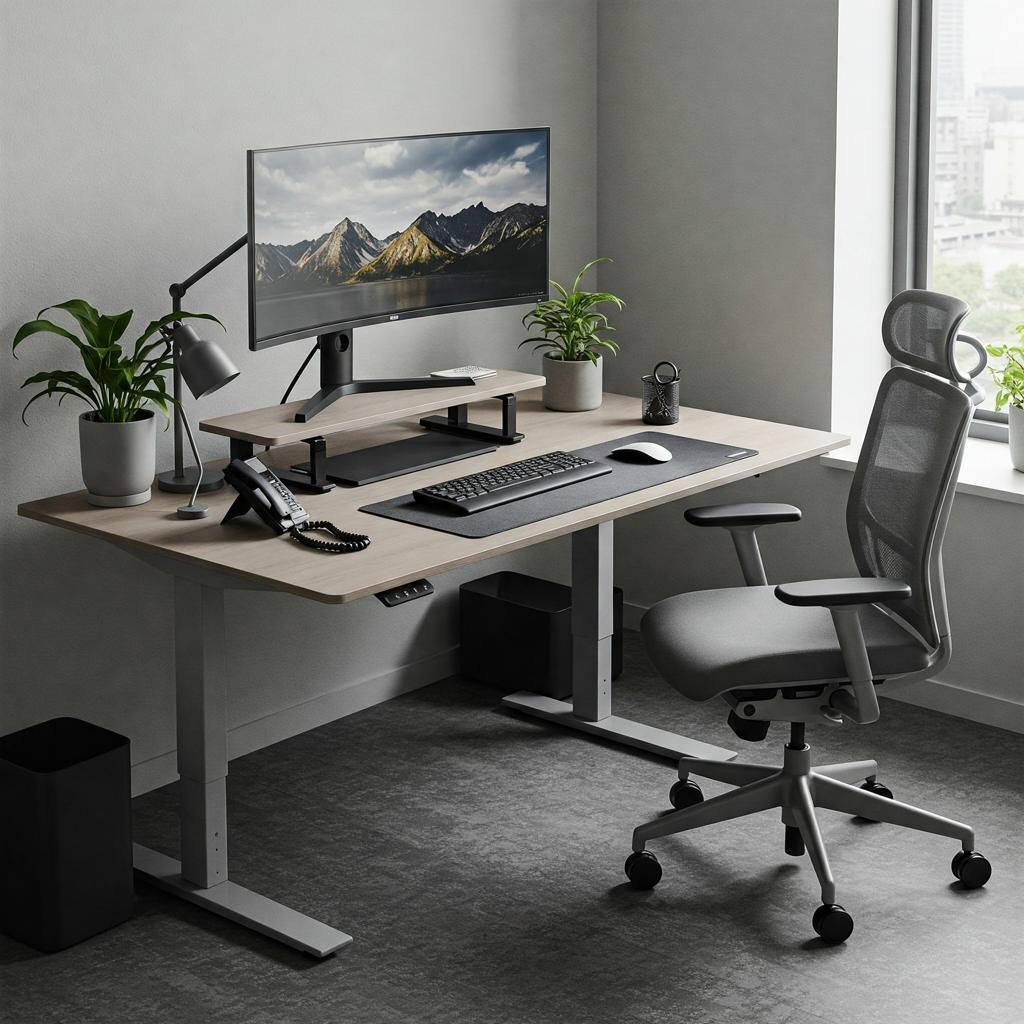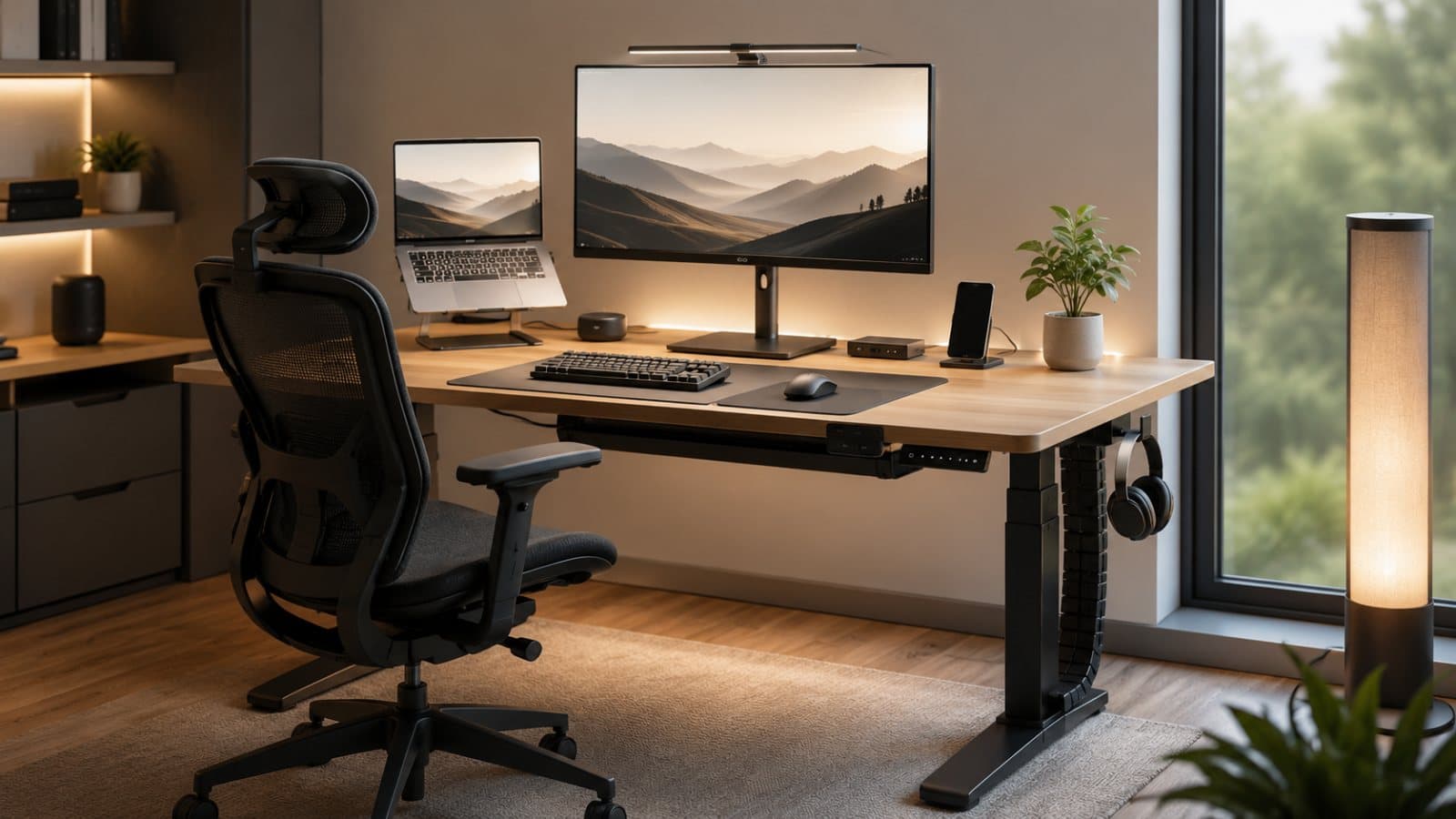

Best Ergonomic Home Office Setup (2025–2026): The Complete Guide for Comfort, Health, and Productivity
Why ergonomics matters · The perfect setup · 2025–2026 trends · Competitor analysis · FAQs
Working from home is no longer a temporary fix. In 2025 and 2026, it is a real long-term work style for millions of people, and that means your desk setup matters more than ever. Good ergonomics is not just about comfort; it is about reducing fatigue, protecting your neck, shoulders, wrists, and back, and helping you stay focused for longer. OSHA defines ergonomics as fitting a job to a person, and says it helps lessen muscle fatigue and reduce work-related musculoskeletal disorders. HSE similarly warns that poor DSE setup can lead to pain in the neck, shoulders, back, wrists, hands, fatigue, and eye strain.
This guide gives you a practical, deeply usable setup plan for a modern home office, plus a competitor snapshot so you can see what is already ranking and how to create something better. The goal is simple: build a workspace that feels good at 9 a.m. and still feels good at 6 p.m.
Why ergonomics matters
Ergonomics is about matching your workspace to your body instead of forcing your body to adapt to a bad setup. OSHA says ergonomic principles reduce the number and severity of musculoskeletal disorders, while Mayo Clinic notes that proper office ergonomics can help ease stress on the body and reduce neck, back, wrist, and shoulder problems. HSE also advises that workers who use display screen equipment for an hour or more continuously should be assessed and given training and breaks.
That matters because the most common home-office mistakes are boring but brutal: a laptop too low, shoulders creeping upward, wrists bent back, feet dangling, and a screen that forces you to crane your neck forward. The fix is not complicated, but it needs to be deliberate.
The perfect ergonomic home office setup
1) Start with a chair that supports the spine
Your chair is the anchor of the whole setup. Mayo Clinic recommends a chair that supports the spine, lets the feet rest flat on the floor, and allows the shoulders to stay relaxed with elbows close to the body. HSE adds that the seat should support the front and back of the thighs, the lower back should be supported, and there should be a small gap between the front of the seat and the back of the knee.
A strong ergonomic chair in 2025–2026 should ideally have adjustable lumbar support, armrests, seat height, and tilt, because one fixed position rarely works for every body. Recent chair roundups from TechRadar and Forbes show that buyers are increasingly choosing highly adjustable chairs rather than purely aesthetic ones, which is a good sign that comfort is winning over looks.
2) Use a desk that lets your elbows stay near 90 degrees
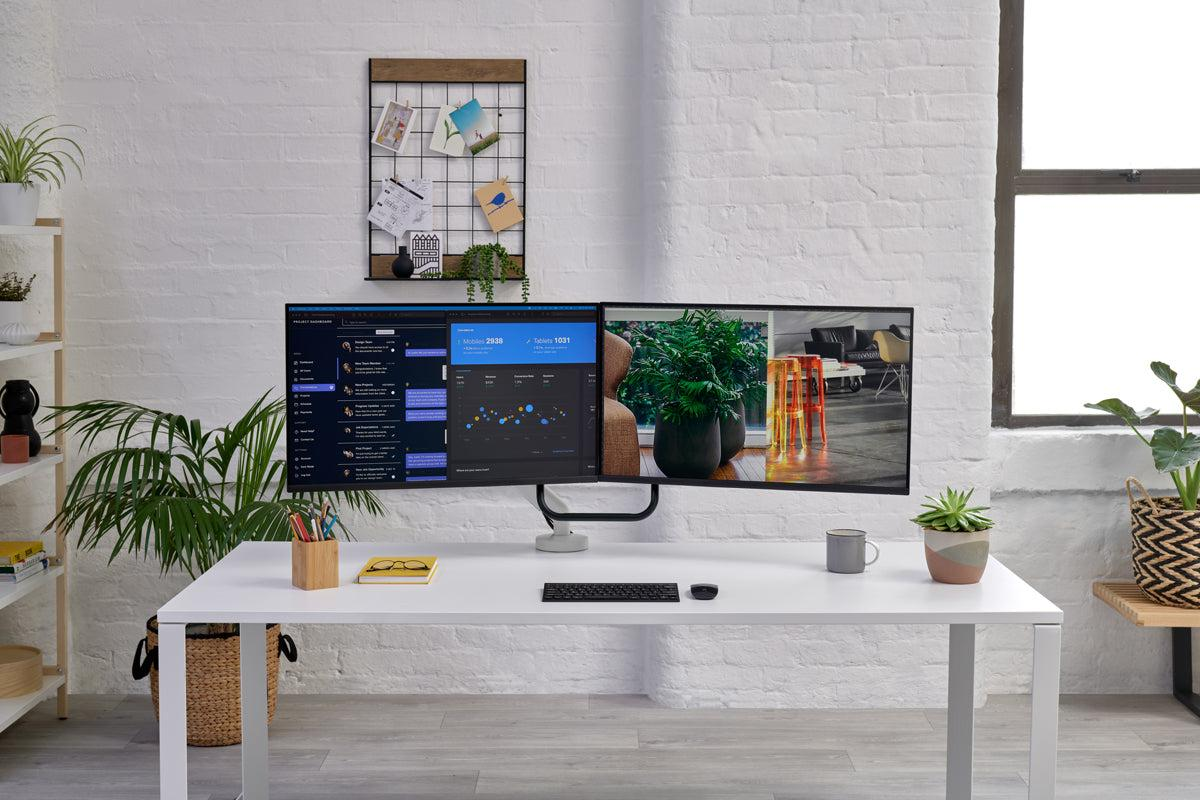
The desk should let your forearms rest comfortably without raising your shoulders. HSE says the keyboard should sit just below elbow height, and OSHA describes a neutral position where the hands, wrists, and forearms are straight and roughly parallel to the floor. If your desk is too high, your shoulders lift; if it is too low, you slump. Either way, your body pays for it later.
Standing desks are one of the biggest 2025–2026 upgrades because they give you more than one working position during the day. TechRadar’s 2026 standing-desk roundup highlights models aimed at different use cases, from compact desks to premium multi-monitor setups, showing how mainstream the sit-stand category has become.
3) Place the monitor at eye level and at the right distance
This is the part most people get wrong. HSE says the top of the screen should be level with the eyes and about an arm’s length away. Mayo Clinic gives a similar rule and adds a practical distance range of about 20 to 40 inches, with the top of the screen at or slightly below eye level. If you use bifocals, the screen may need to sit a little lower.
The reason is simple: when the monitor is too low, your neck bends forward all day. That creates the classic “tech neck” feeling many remote workers know too well. A monitor arm or riser is one of the cheapest upgrades with the biggest posture payoff. HSE also says the computer and screen should be directly in front of you and centered so you do not twist your back.
4) Keep the keyboard and mouse close, straight, and relaxed
Mayo Clinic recommends placing the keyboard in front of you so the wrists and forearms stay in line, with the mouse within easy reach on the same surface. HSE says the mouse should be in line with the elbow, while OSHA emphasizes straight wrists and relaxed shoulders in neutral positions. That means no reaching, no wrist bending, and no keyboard shoved too far forward.
If you work long hours, a split ergonomic keyboard or vertical mouse can reduce strain for some users, especially if you already feel wrist discomfort. Recent office-chair and desk roundups from TechRadar, Wired, and Forbes show that buyers are increasingly pairing desks with accessories like laptop stands, monitor arms, and better pointing devices rather than stopping at furniture alone.
5) Fix laptop ergonomics before it fixes you
A laptop alone is one of the least ergonomic ways to work because the screen is low and the keyboard is cramped. Mayo Clinic recommends using an external keyboard and mouse with a laptop stand so the setup behaves more like a desktop. HSE makes the same point: for prolonged laptop use, separate the keyboard and mouse from the laptop and raise the screen on a riser.
This is why many modern home offices now use a laptop plus external monitor combo. It gives you flexibility for work, meetings, and travel days, while still keeping posture under control. Wired’s recent laptop-stand coverage also reflects how central this accessory has become for people trying to reduce back and neck strain.
6) Add lighting that reduces strain, not glare
Lighting is usually an afterthought, but bad lighting quietly wrecks comfort and focus. A bright screen in a dim room causes eye fatigue; harsh overhead lighting can create glare; and working in shadows can make you lean forward toward the display. HSE specifically mentions eye strain as a common problem from poor DSE setup, which is why balanced lighting matters just as much as the chair or desk.
A practical setup is layered lighting: natural light from the side, a soft desk lamp, and, if needed, a monitor light bar to reduce contrast. That kind of layered workspace design is one reason current home-office content keeps moving toward calmer, wellness-oriented setups rather than flashy gamer desks.
7) Use a footrest if your feet do not reach the floor
Mayo Clinic says a footrest is a good option when your feet do not rest flat on the floor, and HSE recommends seat height and thigh support that keep the body balanced without pressure behind the knees. A footrest is especially useful for shorter users or taller desks.
This is one of those tiny upgrades that feels unimportant until you use it for a week. Then your lower back starts thanking you like a very polite accountant.
8) Keep movement built into the day
The best ergonomic setup is still not meant to hold you frozen in place. OSHA says you should change working positions frequently, make small adjustments, stretch your fingers and torso, stand up periodically, and do some tasks while standing. HSE also says employers should reduce risks by making sure workers take breaks from DSE work or do something different.
That means the real ergonomic win is not just a good chair. It is a day with movement built into it. Sit, stand, stretch, walk, return. That rhythm matters more than any single expensive accessory.
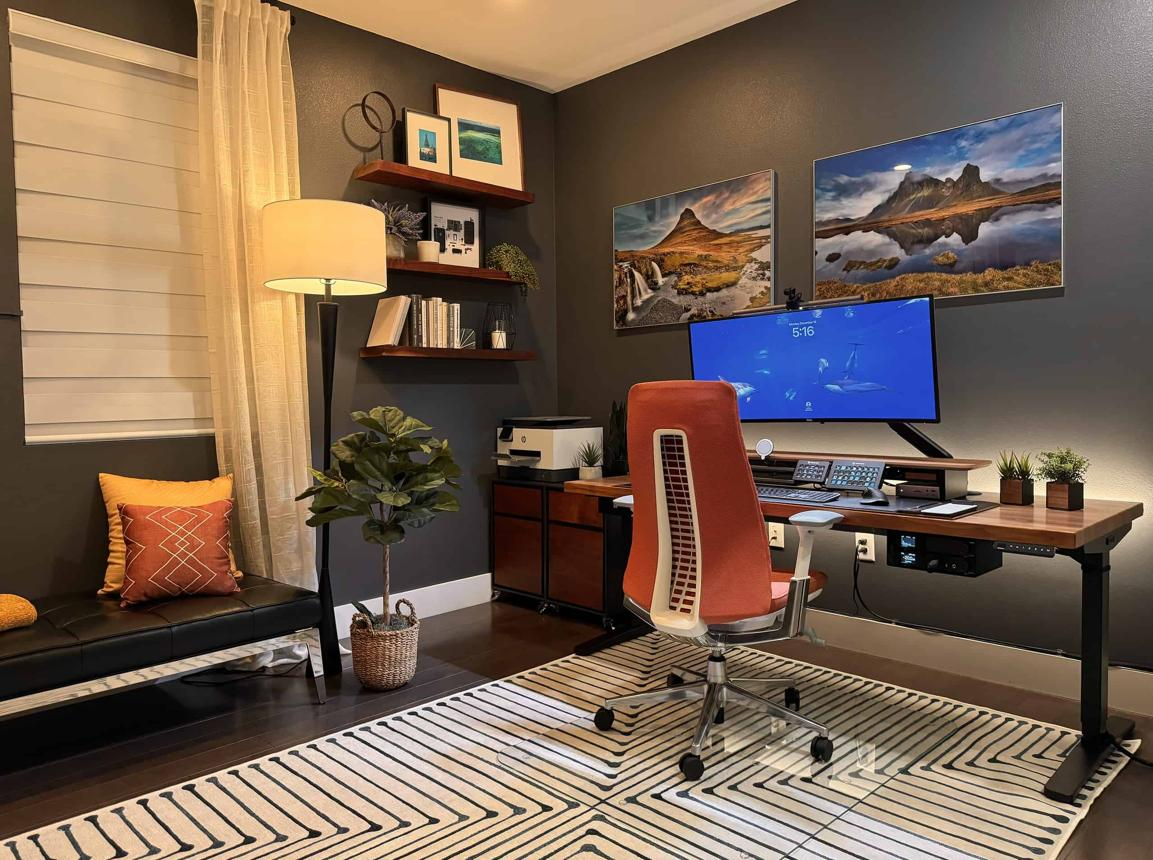
2025–2026 trends in ergonomic home offices
The biggest trend is that home office design is becoming more holistic. It is no longer just “buy a chair.” Recent 2026 product guides from TechRadar and Forbes show strong demand for adjustable chairs, standing desks, and premium workspace furniture, while Wired’s laptop-stand coverage shows that screen elevation remains a priority. That points to a broader shift toward complete workstation systems rather than single-item upgrades.
Another trend is the move toward cleaner, calmer, and more “wellness-first” spaces. You see this in the rise of mesh chairs, cable-managed desks, plant-filled setups, and dual-monitor arrangements positioned cleanly on arms or risers. The visual style is becoming more minimal, but the real purpose is better focus and lower physical strain.
Competitor analysis
Here is what is already ranking well and what that means for your article. TechRadar’s chair and standing-desk guides are strong product-led competitors because they target purchase intent with tested recommendations and lots of comparison detail. Forbes Vetted also dominates the “best office chair” and “best desk” space with recent 2026 buying guides, which makes the SERP heavily commerce-focused. Wired captures a different slice of traffic with laptop-stand and chair content for readers looking to upgrade specific accessories.
On the informational side, HSE, OSHA, and Mayo Clinic are the real authority competitors because they explain posture, workstation layout, and injury prevention clearly. HSE gives practical placement rules for screen, keyboard, mouse, and seat; OSHA explains neutral posture and movement; Mayo Clinic provides a clean workstation checklist.
The content gap is obvious: most competitors are either product-heavy or guidance-heavy, but not both. A stronger article combines the two, explains the complete home setup, and then connects it to current product trends. That makes the piece more useful to readers and more competitive in search.
Best ergonomic home office setup checklist
For a really strong setup, use this order: chair with lumbar support, desk at elbow height, monitor at eye level and arm’s length away, keyboard and mouse aligned straight in front of you, good lighting, footrest if needed, and scheduled movement breaks. That order matches the guidance from HSE, OSHA, and Mayo Clinic.
FAQs
What is the most important part of an ergonomic home office setup?
The chair and screen position are usually the biggest wins. If the chair does not support your spine or the screen sits too low, discomfort shows up fast. HSE, OSHA, and Mayo Clinic all emphasize neutral posture, screen height, and lower-back support.
Is a standing desk worth it in 2025–2026?
Yes, for many people. Recent 2026 desk roundups show that adjustable desks are now a mainstream category, especially for users who want flexibility for sitting and standing through the day. The key is still to alternate positions rather than stand all day.
How far should the monitor be from my eyes?
Mayo Clinic says about an arm’s length, roughly 20 to 40 inches, and HSE says the top of the screen should be level with the eyes. That combination gives a good practical target for most setups.
Can I use a laptop as my main workstation?
Yes, but not comfortably by itself for long hours. HSE and Mayo Clinic both recommend separating the keyboard and mouse from the laptop and using a stand or riser so the screen sits higher.
Do I need a footrest?
Only if your feet cannot rest flat on the floor after setting the chair correctly. Mayo Clinic recommends a footrest in that case, and HSE advises seat and thigh positioning that keeps the lower body supported.
Final takeaway
The best ergonomic home office setup in 2025–2026 is not one expensive product. It is a complete system: a supportive chair, properly sized desk, monitor at eye level, keyboard and mouse in neutral positions, smart lighting, and regular movement. That is the setup that protects your body and helps you work better for longer. The newest product guides show the market moving toward adjustable, wellness-focused, and more flexible workstations, while the official guidance from HSE, OSHA, and Mayo Clinic gives the posture rules that make the whole system work.