
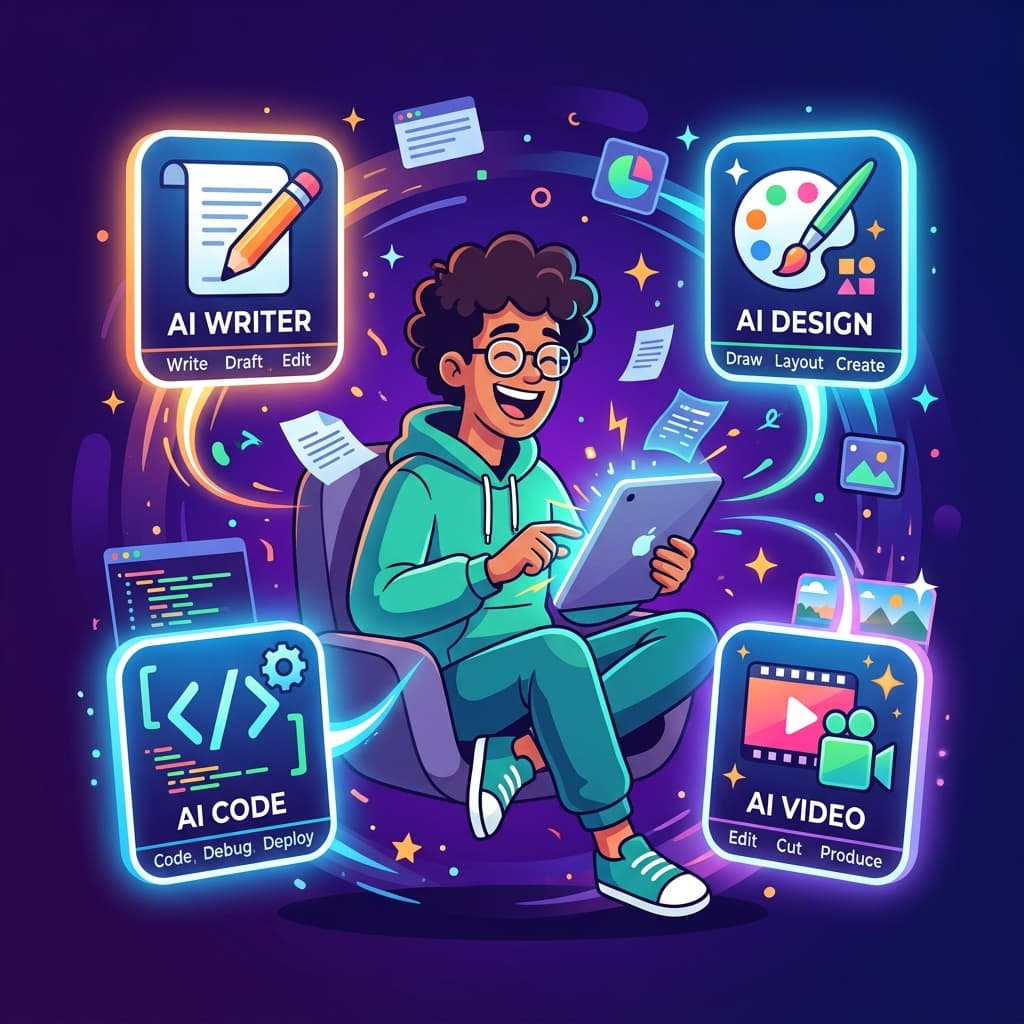

Last Tuesday, I sat down to audit my monthly freelance software expenses and realized I was paying enough in SaaS subscriptions to fund a small space program. Fifteen different tools, each charging $29 a month just to do what one smart AI model does for free in June 2026. If you are still juggling a messy stack of single-purpose apps, you aren't just losing money—you are losing your competitive edge.
The freelance landscape has undergone a brutal consolidation over the past few months. Clients no longer pay for hours worked; they pay for immediate, high-leverage outcomes. By trimming the digital fat and adopting the ultimate 2026 AI toolkit, you can automate the mundane overhead and pocket the profit difference.
Why Freelancers Are Switching to AI Tools
Let's be completely honest about why this shift is happening so rapidly. It has nothing to do with futuristic hype or wanting to sound sophisticated on LinkedIn. It comes down to basic unit economics and preserving your sanity. When you operate as a solo business, your primary bottleneck is context switching. Jumping from a dedicated transcription app to a dedicated writing tool, and then over to a clunky graphic design platform, drains your mental energy before the actual billable work begins.
In 2026, the newest flagship AI models have effectively eaten the surrounding software ecosystem. A single multimodal engine can now analyze a client brief, draft the copy, generate the accompanying editorial visuals, and format the final deliverables in seconds. Freelancers aren't adopting AI to be lazy; they are adopting AI to achieve the output capacity of an entire boutique agency without hiring a single employee or dealing with payroll headaches.

The 10 AI Tools Replacing Freelance Toolboxes
Here are the ten absolute non-negotiables that deserve a permanent spot in your 2026 freelance workflow. Everything else is just expensive digital clutter.
1. ChatGPT / Claude (The Brain & Chief Operating Officer)
What it replaces: Grammarly, Jasper, generic copywriting tools, and Google Search.
Why it is the best in 2026: With advanced multimodal reasoning and massive context windows, these two titans handle deep strategic analysis, flawless drafting, and complex coding better than any specialized wrapper on the market.
Who it is best for: Literally every single freelancer, regardless of niche or industry.
Pricing: Free tier available; Paid Pro tier ($20/mo) is highly recommended.
2. Gamma.app (The Instant Pitch Deck Generator)
What it replaces: PowerPoint, Google Slides, and hours of frustrating formatting.
Why it is the best in 2026: Gamma uses AI to transform raw notes or client discovery outlines into stunning, interactive, professional slide decks and web pages in under sixty seconds.
Who it is best for: Consultants, designers, and marketers who need to present visual pitches effortlessly.
Pricing: Free tier available; Paid starting at $8/mo.
3. Descript (The Text-Based Video & Audio Suite)
What it replaces: Adobe Premiere Pro, Audacity, and expensive video editors.
Why it is the best in 2026: Editing video and audio by simply deleting words in a generated transcript makes professional content production accessible to complete beginners.
Who it is best for: Freelance content creators, podcasters, and video marketers.
Pricing: Free tier available; Paid starting at $12/mo.
4. Canva AI (The Everyday Asset Studio)
What it replaces: Basic Photoshop subscriptions and expensive stock image libraries.
Why it is the best in 2026: Magic Studio features have transformed Canva from a simple templating tool into an AI powerhouse capable of instant background expansion, style transformation, and automated resizing.
Who it is best for: Social media managers and generalist digital marketers.
Pricing: Free tier available; Canva Pro at $14.99/mo.
5. Notion AI (The Autonomous Project Manager)
What it replaces: Trello, Asana, and scattered note-taking apps.
Why it is the best in 2026: It integrates AI directly into your project workspace, automatically pulling action items from meeting notes, summarizing long documents, and generating client updates where your work already lives.
Who it is best for: Freelancers managing multiple concurrent client projects.
Pricing: Add-on to Notion starting at $8/mo.
6. Runway ML (The Cinematic Video Synthesizer)
What it replaces: Expensive stock video footage, after-effects plugins, and animation studios.
Why it is the best in 2026: Runway's advanced Gen-3 video models allow you to create breathtaking cinematic b-roll and custom motion graphics using simple text prompts.
Who it is best for: High-end video editors, creative directors, and digital artists.
Pricing: Free tier available; Paid starting at $12/mo.
7. Perplexity AI (The Ultimate Research Assistant)
What it replaces: Hours of digging through Google search results and ad-cluttered websites.
Why it is the best in 2026: Perplexity provides instant, highly accurate, cited answers to complex research queries, cutting your onboarding and discovery phase in half.
Who it is best for: Freelance writers, journalists, and strategic consultants.
Pricing: Free tier available; Pro tier at $20/mo.
8. Copy.ai (The Enterprise Workflow Automator)
What it replaces: Manual spreadsheet data entry, repetitive outreach emails, and bulk content creation.
Why it is the best in 2026: It excels at establishing multi-step AI workflows that ingest client data and auto-generate dozens of localized marketing assets at scale.
Who it is best for: Growth marketers, SEO specialists, and sales consultants.
Pricing: Free tier available; Paid starting at $36/mo.
9. Otter.ai (The Automated Meeting Note Taker)
What it replaces: Frantic manual note-taking during client discovery calls and lost details.
Why it is the best in 2026: Otter joins your virtual meetings automatically, records the conversation, identifies speakers, and sends an immaculate summary directly to your inbox post-call.
Who it is best for: Freelancers who spend hours every week on client consultation calls.
Pricing: Free tier available; Paid starting at $10/mo.
10. Beautiful.ai (The Smart Presentation Architect)
What it replaces: Clunky slide decks with misaligned text boxes and horrible color palettes.
Why it is the best in 2026: Its smart design rules automatically adapt your layouts as you add content, ensuring your client presentations look visually flawless every single time.
Who it is best for: Corporate consultants, brand strategists, and sales freelancers.
Pricing: Paid starting at $12/mo.
How to Pick the Right AI Stack for Your Freelance Niche
You do not need all ten tools to be wildly successful. In fact, attempting to adopt all ten at once will leave you overwhelmed and paralyzed. The secret to building a highly profitable freelance stack is aligning your tools directly with your core deliverables.
If you are a freelance writer or content strategist, your ultimate stack is simple: pair Claude for deep structural drafting with Perplexity AI for lightning-fast fact-checking and research. If you are a visual designer or creative director, your workflow should center around Canva AI for rapid social asset execution, supported by Runway ML for custom motion elements. For operations consultants and project managers, Notion AI combined with Otter.ai will completely eliminate your administrative overhead.
Audit your daily activities for one week. Identify the specific, repetitive tasks that drain your energy, and deploy exactly one AI tool to eliminate that bottleneck before moving to the next.
The Honest Truth About AI Replacing Freelancers
Let's address the elephant in the room directly. There is immense anxiety in the freelance community about artificial intelligence completely wiping out client demand. But if you look closely at what top clients are actually paying for in 2026, a highly nuanced truth emerges: AI replaces isolated tasks, not highly skilled professionals who use AI to solve complex problems.
A client does not want to learn how to prompt an AI model, debug the outputs, verify the facts, and format the final product. They want a trusted expert to handle the entire headache for them. When you embrace these tools, your role shifts from a basic production assistant to an elite strategic advisor. The freelancers who refuse to adapt will inevitably find themselves competing against automated systems for pennies, while AI-empowered solo operators command premium retainers by delivering massive value at unprecedented speed.
The bottom line is clear: AI will not take your freelance business. But a highly efficient freelancer using AI absolutely will.
Explore more tools and productivity guides on incalw.me.
Frequently Asked Questions
Will clients pay less if they know I use AI tools?
No, provided you price your services based on the value of the outcome rather than the hourly labor required to achieve it. Clients care about quality, accuracy, and speed; how you generate the result is your proprietary business secret.
Are these AI tools worth the monthly subscription costs?
Absolutely. When you consolidate multiple legacy software subscriptions into two or three elite AI tools like ChatGPT Pro and Descript, you end up saving hundreds of dollars annually while drastically multiplying your output capacity.
What is the best AI tool for a beginner freelancer?
Start with either ChatGPT or Claude. Mastering a core conversational AI model will give you the highest immediate return on investment for client communication, contract drafting, and ideation.