
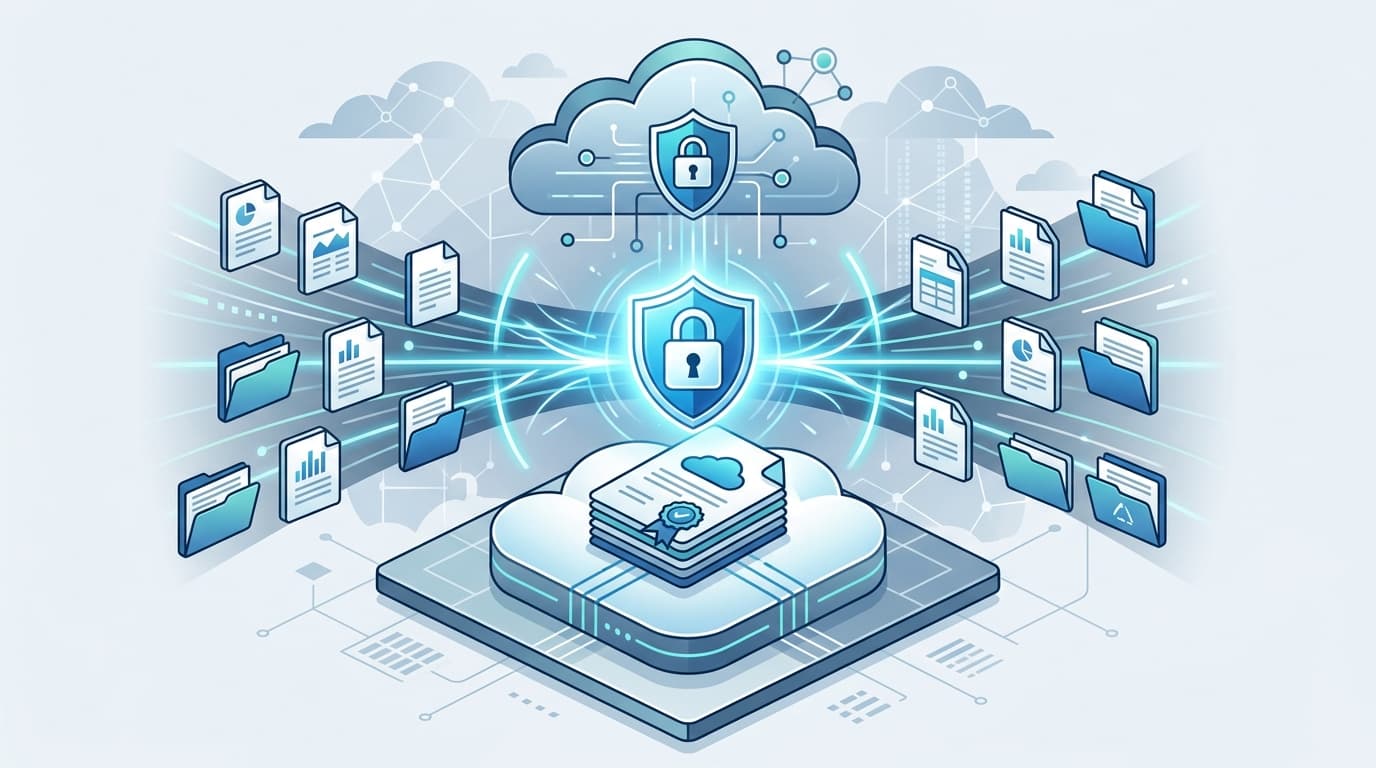

Here is a terrifying thought: When you Google "merge PDF free online" and drop your tax filings, medical records, or confidential company contracts into a random website, where do those files actually go? For 90% of free conversion websites, your private files are uploaded to remote cloud servers, stored indefinitely in temporary file caches, and occasionally scraped by data brokers.
In an era of rampant identity theft and corporate espionage, treating document privacy as an afterthought is a catastrophic liability. Here is how modern client-side document processing works and how to protect your digital assets.
1. The Danger of Server-Side Document Processors
Traditional PDF utilities upload your entire document to an Apache or Node.js backend server, execute a Linux command (like Ghostscript or ImageMagick), and send the rendered file back to you. The fundamental vulnerabilities include:
- Unencrypted File Transit: Interception risks during upload/download cycles.
- Server-Side Data Retention: Server logs that store document names, metadata, and extracted text bodies.
- Compliance Violations: Direct breaches of GDPR, HIPAA, and corporate NDA guidelines.
2. The Client-Side Revolution: WebAssembly & Local Sandboxing
Modern browser capabilities (specifically WebAssembly and JavaScript PDF engines like pdf-lib and PDF.js) now allow complex binary manipulations to happen 100% locally inside your device's memory.
When you merge or compress a file client-side, exactly 0 bytes of your data leave your computer. You can literally disconnect your Wi-Fi, click "Merge", and the file generates seamlessly in milliseconds.
3. Free & Truly Private Document Utilities
At INCLAW, all file operations are engineered with strict client-side privacy architecture. Try our zero-upload tool suite:
- Free Client-Side PDF Merger: Combine unlimited PDFs instantly with zero uploads.
- Private Image Compressor: Shrink JPG/PNG/WebP files without quality loss.