


The recent release of LLaMA 3 has sent shockwaves through the tech community, and its potential integration with Google Workspace has everyone talking. As a developer, freelancer, or professional, you're likely wondering how to harness the power of AI to enhance your productivity. In this article, we'll explore the what, why, and how of integrating LLaMA 3 with Google Workspace.
What Happened & Why Everyone Is Talking About It
LLaMA 3, the latest iteration of Meta's large language model, boasts significant improvements in natural language processing and generation capabilities. Its potential to automate tasks, provide insights, and facilitate communication has sparked intense interest among professionals. Google Workspace, on the other hand, is a suite of productivity tools used by millions worldwide. The prospect of combining these two powerhouses has the potential to revolutionize the way we work.
Why It Matters in the Real World
The integration of LLaMA 3 with Google Workspace can have a direct impact on developers, freelancers, and businesses. By leveraging AI-powered tools, professionals can automate repetitive tasks, focus on high-priority projects, and improve collaboration with team members. For instance, LLaMA 3 can assist with email drafting, document summarization, and data analysis, freeing up time for more strategic and creative work.
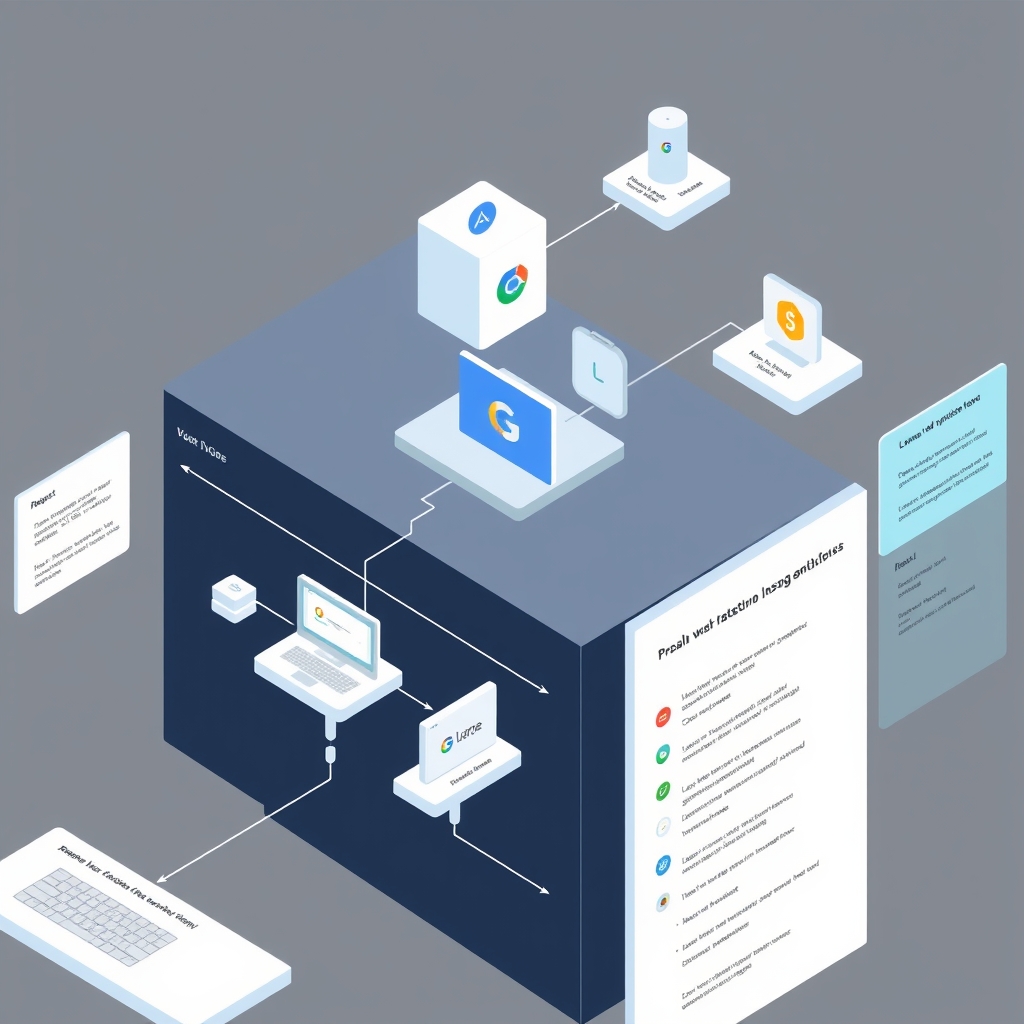
How It Actually Works (Under the Hood)
From a technical standpoint, the integration of LLaMA 3 with Google Workspace involves using APIs and software development kits (SDKs) to connect the two platforms. This allows developers to build custom applications that tap into the capabilities of both LLaMA 3 and Google Workspace. For example, a developer can create a Google Docs add-on that utilizes LLaMA 3's language generation capabilities to suggest alternative phrases or sentences, enhancing the writing experience.
Step-by-Step Practical Implementation / Workflow
To integrate LLaMA 3 with Google Workspace, follow these steps:
- Enable the Google Workspace API and create a project in the Google Cloud Console.
- Install the LLaMA 3 SDK and import the necessary libraries into your project.
- Use the LLaMA 3 API to access its language model capabilities and integrate them with Google Workspace tools like Gmail, Google Docs, or Google Sheets.
- Test and refine your integration to ensure seamless functionality and optimal performance.
Detailed Feature & Alternative Comparison
| Feature | LLaMA 3 + Google Workspace | Alternative Tools |
|---|---|---|
| Language Generation | Advanced language model capabilities | Limited or basic language generation |
| Collaboration | Seamless integration with Google Workspace tools | Separate or disjointed collaboration tools |
| Automation | Automate repetitive tasks and workflows | Limited automation capabilities |
Limitations, Hidden Costs & Critical Trade-offs
While the integration of LLaMA 3 with Google Workspace offers numerous benefits, there are also limitations and potential drawbacks to consider. These include:
- Pricing: The cost of using LLaMA 3 and Google Workspace can add up, especially for large teams or enterprises.
- Regional limitations: LLaMA 3 may not be available in all regions or languages, which can impact its usefulness for global teams.
- Accuracy and reliability: As with any AI-powered tool, there may be concerns about the accuracy and reliability of LLaMA 3's output.
Frequently Asked Questions
What are the system requirements for integrating LLaMA 3 with Google Workspace?
The system requirements for integrating LLaMA 3 with Google Workspace include a compatible operating system, sufficient storage and processing power, and a stable internet connection.
Can I use LLaMA 3 with other productivity tools besides Google Workspace?
Yes, LLaMA 3 can be integrated with other productivity tools and platforms, although the specific integration process and capabilities may vary.
How do I ensure the security and privacy of my data when using LLaMA 3 with Google Workspace?
To ensure the security and privacy of your data, follow best practices for data protection, such as using strong passwords, enabling two-factor authentication, and regularly reviewing and updating your security settings.
The Bottom Line
In conclusion, integrating LLaMA 3 with Google Workspace has the potential to revolutionize the way you work. By leveraging the power of AI and collaboration tools, you can automate tasks, enhance productivity, and drive business success. To get started, explore the Freelance Proposal Builder and Invoice Generator on INCLAW, and discover how these tools can help you streamline your workflow and achieve your goals.