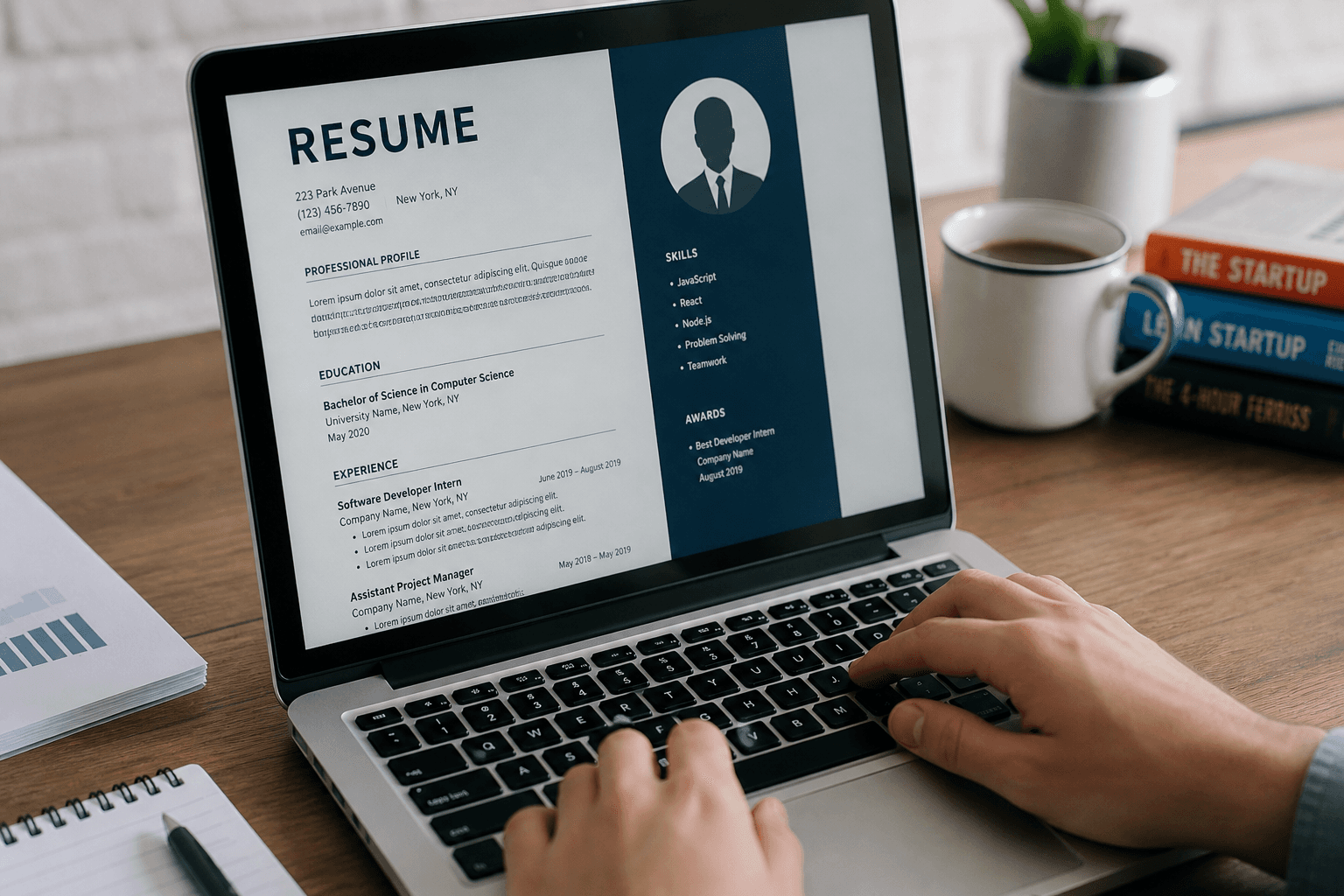
Getting your first job in the USA is exciting, but it is also a little brutal.
As a fresher, you are competing with thousands of other students, graduates, and job seekers who all want the same roles. The hardest part is not applying. The hardest part is making your resume stand out when you do not have years of experience.
That is where an AI resume builder can help.
Ad space
Instead of staring at a blank page, you can use AI to create a clean, professional, ATS-friendly resume in minutes. It can help you write a strong summary, improve bullet points, organize your skills, and format everything properly so employers can actually read it.
In this guide, you will learn how AI resume builders work, which tools are best for freshers in the USA, how to create a resume step by step, and what mistakes to avoid. You will also find practical examples, useful tips, and a simple strategy to make your resume better than most beginners applying for the same jobs.
What Is an AI Resume Builder?
An AI resume builder is a tool that uses artificial intelligence to help you create or improve your resume.
Instead of writing everything manually, the tool can suggest:
Resume summaries
Job descriptions
Skill sections
Bullet points for experience
ATS-friendly formatting
Action words and stronger phrasing
For freshers, this is extremely useful because you may not know how to describe your projects, internships, part-time work, or academic achievements in a professional way. AI can help turn simple information into resume-ready content.
A good AI resume builder is not just about design. It also helps with structure, clarity, and keyword optimization so your resume has a better chance of passing applicant tracking systems.
Why Freshers in the USA Need AI Resume Builders
If you are a fresher, your resume usually has one big problem: not enough experience.
But that does not mean your resume has to look weak.
A smart AI resume builder can help you present:
College projects
Internships
Volunteer work
Certifications
Freelance work
Club activities
Personal projects
This matters because many employers do not just look for experience. They look for evidence of skills, initiative, and professionalism.
AI can help you:
Save time
Write better content
Improve formatting
Customize your resume for different jobs
Make your resume look more professional
For a fresher in the USA, that can make a huge difference.
Best AI Resume Builders for Freshers in USA
There are many tools available online, but not all of them are equally useful for beginners. Some focus on design, some on ATS optimization, and some on content generation.
Here are some of the best types of AI resume builders you should know about.
1. Canva
Canva is one of the easiest tools for freshers who want a visually clean resume.
It is great for:
Simple drag-and-drop editing
Modern templates
Easy customization
Visual appeal
Canva is especially good if you want a resume that looks polished without spending hours on formatting. It is also beginner-friendly, so you do not need any design experience.
Best for:
Students
Creative roles
General applications
2. Resume.io
Resume.io is widely used for quick, professional resume creation.
It usually helps with:
ATS-friendly formats
Easy section filling
Clean modern layouts
Fast resume generation
This is a strong option if you want a resume that looks professional and structured.
Best for:
Entry-level job seekers
Office roles
Professional applications
3. Zety
Zety is known for guided resume creation.
It can help with:
Step-by-step resume building
Strong phrasing suggestions
Resume summaries
Useful examples
This is helpful if you are not sure what to write and need more guidance.
Best for:
Beginners
Freshers with limited experience
People who want more writing help
4. Kickresume
Kickresume combines design and content help.
It is useful for:
Resume writing support
Cover letter generation
Good visual templates
Quick editing
Best for:
Students
Job seekers applying to multiple roles
People who want resume and cover letter support in one place
5. INCLAW Resume Tool
If you are building your own resume tool on your website, this is your biggest advantage.
A focused AI resume builder for freshers can stand out if it offers:
Simple input fields
Fresher-friendly wording
ATS-friendly templates
Easy PDF download
Smart suggestions for projects and skills
This is where your website can win by focusing on a specific audience instead of trying to be generic.
How to Use an AI Resume Builder Step by Step
If you are using AI to build your first resume, do it properly. Do not just fill random details and download the result.
Here is the right process.
Step 1: Choose the Right Template
Pick a clean, simple resume template.
Avoid templates that are:
Overly colorful
Too decorative
Hard to scan
Filled with unnecessary graphics
For most jobs in the USA, simple and readable is better than flashy.
Step 2: Add Your Basic Information
Enter:
Full name
Phone number
Email address
Location
LinkedIn profile
Portfolio or GitHub if relevant
Make sure your email looks professional. Something simple is better than an old school username.
Step 3: Write a Strong Summary
A resume summary is a short paragraph at the top of your resume that tells employers who you are.
For freshers, this should highlight:
Your degree
Your key skills
Your career interest
Your strongest strengths
Example:
Motivated computer science graduate with strong problem-solving skills, hands-on project experience, and a passion for software development. Comfortable with Python, web development, and teamwork, with a strong interest in entry-level developer roles.
A good AI resume builder can generate this for you, but always edit it so it sounds real and personal.
Step 4: Add Education
Since you are a fresher, your education is one of your strongest sections.
Include:
Degree name
College or university
Graduation year
GPA if strong
Relevant coursework if useful
If you have no experience, education becomes even more important.
Step 5: Add Skills
List only the skills that matter.
For example:
Python
HTML
CSS
JavaScript
MS Excel
Communication
Teamwork
Problem solving
Do not fill the skills section with random words. Keep it honest and relevant.
Step 6: Add Projects or Internships
This is where freshers can shine.
If you do not have job experience, add:
College projects
Freelance work
Internship tasks
Hackathon projects
Volunteer work
AI can help you turn basic project details into stronger bullet points.
Example:
Built a responsive personal portfolio website using HTML, CSS, and JavaScript to showcase academic and technical projects.
That sounds far better than simply saying “made website.”
Step 7: Customize for Each Job
This is one of the biggest secrets.
Do not send the same resume to every employer.
Change the resume to match the job description by:
Including matching keywords
Reordering skills
Adjusting your summary
Highlighting relevant projects
AI can speed this up a lot.
Step 8: Download and Review
Before sending your resume:
Check spelling
Check formatting
Remove unnecessary details
Make sure it fits on one page if possible
Save it as PDF
Always read the final version yourself. AI is helpful, but you still need human judgment.
What Makes an AI Resume Builder Good for Freshers?
Not every resume builder works well for beginners.
A good AI resume builder for freshers should have:
A simple interface
Beginner-friendly prompts
ATS-friendly formatting
Easy editing
Good examples
Freshers-friendly wording
Clean export options
If a tool is too complex, it slows you down instead of helping you.
Freshers need speed, clarity, and confidence.
Common Resume Mistakes Freshers Make
A lot of freshers make the same mistakes again and again.
1. Too Much Text
Your resume should not look like an essay.
Keep it focused and easy to scan.
2. Weak Summary
A bad summary sounds generic and empty.
Avoid phrases like:
Hardworking individual
Looking for opportunity
Team player
Quick learner
These words are overused. Try to sound specific.
3. No Keywords
Many companies use ATS software to scan resumes.
If your resume does not include relevant keywords, it may not even reach a human recruiter.
4. Bad Formatting
A messy resume feels unprofessional.
Use:
Clear headings
Proper spacing
Simple fonts
Consistent bullet points
5. No Projects
Freshers often forget to include projects.
Projects can be just as important as experience, especially for entry-level roles.
6. Same Resume for Every Job
This is a huge mistake.
Different jobs need different resume versions.
ATS Resume Tips for Freshers in the USA
ATS stands for Applicant Tracking System. Many employers use it to sort resumes before a person reviews them.
To improve your ATS chances:
Use job-related keywords naturally
Keep formatting simple
Avoid unnecessary images or charts
Use standard section titles like Education, Skills, Experience, Projects
Save your resume as PDF unless told otherwise
A clean, keyword-rich resume is usually better than a heavily designed one.
Resume Example for Freshers in USA
Here is a simple example of how a fresher resume summary might look.
Example Summary
Motivated and detail-oriented business graduate with strong communication, research, and analytical skills. Completed multiple academic projects in marketing and data analysis. Looking for an entry-level role where I can contribute to team goals and grow professionally.
Example Skills
Microsoft Excel
Data Analysis
Communication
Research
Presentation
Teamwork
Example Project
Created a market research report for a student project by collecting survey data, analyzing trends, and presenting recommendations to improve customer engagement.
This style is much better than vague or generic wording.
How to Make Your Resume Stand Out as a Fresher
Freshers often think the only way to stand out is by having experience. That is not true.
You can stand out by:
Writing a strong summary
Showing real projects
Matching the job description
Highlighting achievements
Using clean formatting
Keeping the resume simple and professional
Your goal is not to impress with fancy design. Your goal is to make it easy for employers to see your value.
Should You Use AI for Your Whole Resume?
AI is powerful, but do not copy everything blindly.
Use AI for:
Structure
Suggestions
Rewriting
Formatting help
Keyword ideas
Use your own judgment for:
Accuracy
Personal tone
Job relevance
Final editing
The best resume is a mix of AI support and your real experience.
Best Free and Paid AI Resume Features to Look For
If you are choosing a resume builder, look for these features.
Free features
Resume templates
Basic editing
PDF download
Summary suggestions
Skills section help
Paid features
Premium templates
More customization
Cover letter builder
Multiple resume versions
Advanced AI writing support
For freshers, starting with free features is usually enough. Paid features are only worth it if they save time or improve results.
Why This Topic Is Great for US Search Traffic
This keyword works well because it has clear intent.
People searching for:
AI resume builder for freshers USA
best resume builder for students USA
resume builder for first job
ATS resume for freshers
free AI resume builder USA
are usually looking for a solution, not just information.
That means this topic can attract:
Job seekers
Students
Fresh graduates
Internship applicants
Entry-level professionals
This makes it a strong blog topic for traffic and monetization.
How You Can Monetize This Blog
This kind of article can make money in several ways.
1. Affiliate links
Recommend trusted resume tools and earn commission when users sign up.
2. Promote your own tool
If you have a resume builder on your site, this article can funnel traffic directly to it.
3. Email capture
Offer a free resume checklist or template in exchange for email signup.
4. Service upsell
Offer resume review, cover letter help, or formatting support.
5. Ads
Once traffic grows, display ads can become another revenue stream.
The best strategy is to turn the blog into a conversion page, not just an informational post.
FAQs
Is an AI resume builder useful for freshers?
Yes. It helps freshers write better resumes, improve formatting, and save time.
Can AI help me get my first job?
AI cannot guarantee a job, but it can help you create a stronger resume and apply more effectively.
Do employers accept AI-generated resumes?
Yes, as long as the content is accurate, relevant, and professionally written.
What is the best resume format for freshers in USA?
A simple, ATS-friendly format with sections for summary, education, skills, projects, and experience is usually the best choice.
Should freshers use one-page resumes?
Yes, in most cases a one-page resume is best, especially for entry-level roles.
Conclusion
If you are a fresher in the USA, using an AI resume builder can save you time and help you create a much stronger first resume.
The real advantage is not just speed. It is confidence.
Instead of guessing how to write a resume, you can use AI to build a clean, professional, ATS-friendly version that highlights your strengths in the right way.
The best strategy is simple:
Choose a clean template
Add real information
Use AI for structure and suggestions
Customize for each job
Keep it honest and professional
A smart resume does not need years of experience. It needs clarity, relevance, and good presentation.
